If your business number lives on one phone, only the person holding that phone knows a lead just replied. Everyone else finds out secondhand, if they find out at all. That is fine when one person handles every text. It stops being fine the moment a second person needs to see inbound messages without you forwarding a screenshot or reading it out loud across the room.
The fix a lot of small teams reach for is Telegram, because the team is probably already living in a Telegram channel or group anyway. This is common in crypto, real estate wholesaling, and other industries where the standard business-messaging stack (a seat-based CRM, a help desk, a shared inbox tool) is either too expensive for a two- or three-person operation or, in some cases, refuses the account outright. What follows is how to actually route inbound SMS into a Telegram channel, what that setup does and does not solve, and where it fits if your number happens to be in an industry the big SMS platforms won't touch.
The problem with one phone owning all your leads
 Most small operators run outbound SMS from a single number tied to a single physical device, whether that is a dedicated business line or, increasingly, an Android phone doing double duty as the sending endpoint for a P2P-routed SMS tool. That works fine for sending. It breaks down on the receiving side: replies land in one app, on one screen, in one person's pocket.
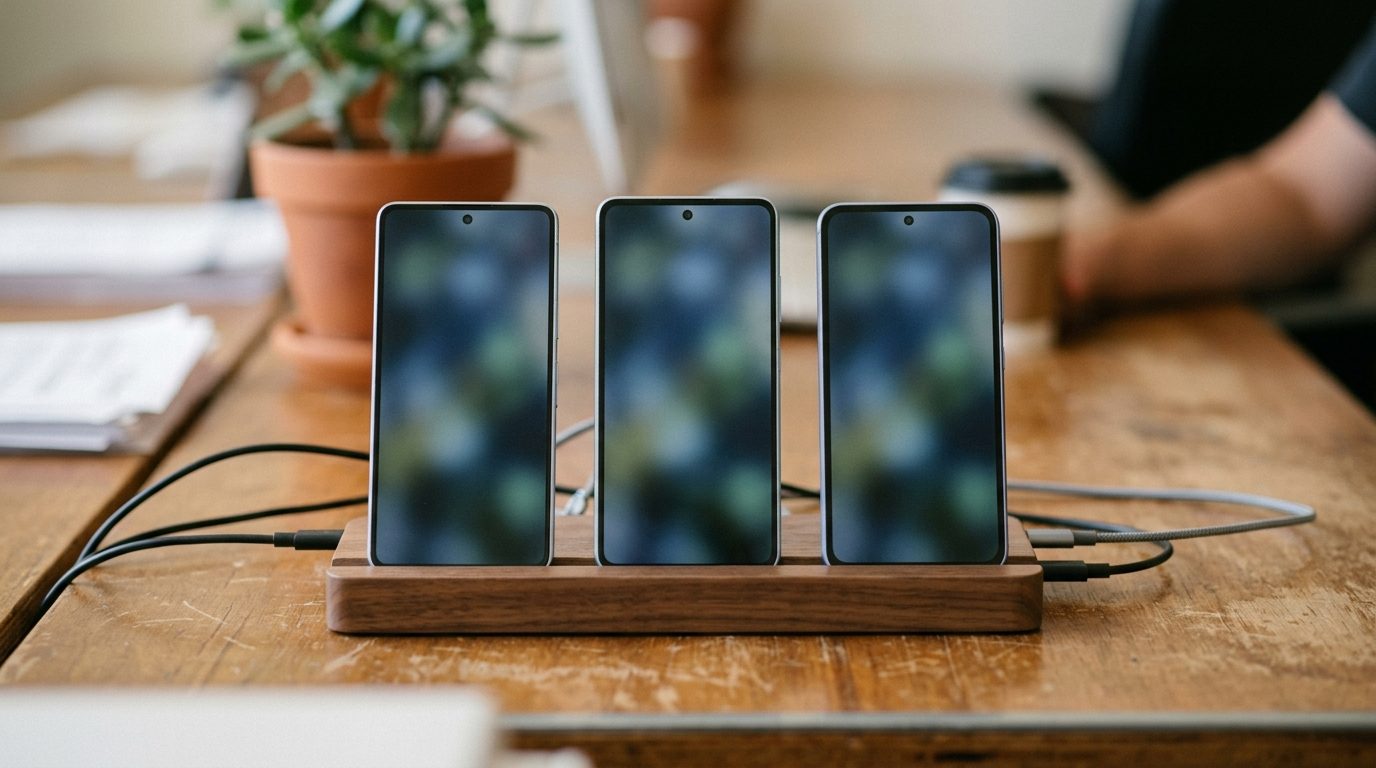
Add a second team member and you have two bad options. Give them the phone's unlock code and hope they don't miss a shift change, or make them wait for a forward. Add a third person, running a second number to split volume, and now there are two phones nobody but the owner is watching. This is the exact situation multi-device SMS setups create if visibility isn't solved alongside sending capacity.
What most SMS-to-Telegram tools are actually built for
Search "forward SMS to Telegram" and most of what comes back is personal-use tooling: Android automation apps, IFTTT recipes, and phone-based forwarders built to catch one-time passcodes and personal texts and mirror them to a Telegram bot. They are one-way, tied to whatever single device they're installed on, and built around the assumption that one person owns both the phone and the Telegram account on the other end.
None of that is wrong for what it's for. It's just not built for a business number that three, four, or five people need to watch, or for a setup where outbound is spread across several paired phones and the team wants one Telegram channel that catches all of it, not five separate forwarder installs to maintain.
How SMS forwarding rules work in Android Texter
 Android Texter's dashboard has an SMS forwarding rule builder on its own Forwarding page, next to Auto-Reply. A rule pairs a match type, which is either a specific phone number, a keyword the message contains, or simply all messages, with a destination: a webhook, or a Telegram chat. A common setup is a rule that mirrors every inbound message on a given number straight into a shared Telegram channel, so support or sales inbound shows up where the team is already talking instead of sitting unread on one person's lock screen.
Because Android Texter supports multi-device pairing, this scales past one phone. Each paired Android device can carry its own forwarding rule pointed at the same Telegram channel. A team running outbound across three to five phones, which real estate wholesalers commonly do to keep each line's volume under carrier velocity thresholds, still ends up with one place to watch instead of five. The forwarding rule runs per device, but the destination channel is shared.
Setting it up
- Pair the phone. From the dashboard's Devices page, scan the QR code with the Android Texter app on the handset that's sending SMS. Each paired phone shows up as its own device with its own number.
- Open Forwarding. It sits in the dashboard sidebar under Auto-Reply, and it is the page that holds your forwarding rules.
- Create a forwarding rule. Give it a name, pick the device it applies to, then choose what triggers it: a specific phone number, a keyword the message contains, or every inbound message. Choose Telegram as the destination and paste in your bot token and chat id.
- Repeat per device. If you're running more than one paired phone, add the same rule on each one, pointed at the same channel.
- Test it. Text the number from a phone that isn't paired and confirm the message shows up in the channel before you rely on it.
What forwarding does not do
Forwarding is a visibility layer, not a second sending channel. A message that lands in the Telegram channel is a mirror of the real inbound SMS, and replying to it inside Telegram does not send an SMS back. Whoever responds still has to reply from the Android Texter dashboard or the paired phone itself, because that is where the actual SMS conversation and the actual carrier line live. Telegram tells the team a message arrived; it doesn't become the channel the reply goes out on.
It also doesn't change anything about consent or opt-out obligations. Forwarding a message to a wider audience inside your own team has no bearing on the TCPA, which governs who you can text and on what basis, not who inside your company gets to read the reply. STOP, UNSUBSCRIBE, and the rest of the standard opt-out keywords still need to be honored the same way they would if only one person ever saw the inbox.
Why this matters more if your number is in a blocked vertical
 This setup matters most for operators who are already sending through a personal Android handset rather than a standard business SMS platform, because that's usually not a style choice. Payday lending, debt collection, cannabis, crypto, MLM, and real estate wholesaling are all industries the major SMS aggregators block, throttle, or heavily gate at the campaign-registration layer before a message can even go out. Getting a campaign approved for one of these categories through The Campaign Registry, the entity that vets and assigns trust scores to A2P 10DLC campaigns for U.S. carriers, is either impossible or expensive enough that it doesn't pencil out for a small operation.
Android Texter routes SMS as person-to-person traffic from a real handset, which sidesteps that carrier-side gate. But it also means the tooling around it tends to be leaner than what a fully registered, aggregator-backed business gets by default, no built-in help desk with per-seat licensing bundled in. For a two- or three-person team already coordinating in Telegram, a forwarding rule that mirrors every inbound text into the channel they're already watching closes that gap without adding a second piece of software anyone has to log into.
Frequently Asked Questions
Can my team reply to a text directly from the Telegram channel?
No. Forwarding mirrors the inbound message into Telegram for visibility. The reply still has to go out through the Android Texter dashboard or the paired phone, since that's the only place actually connected to the carrier line the message came in on. Telegram tells you a message arrived; it isn't a second way to send one.
Does forwarding require a Telegram bot or any coding?
No coding, but you do need a bot. Telegram only lets a program post into a chat through a bot, so you message @BotFather once, get a token, add that bot to the channel, and paste the token and the chat id into the rule. That is a two minute job you do once, not something you maintain. What you avoid is the scripting and the always-on server that a DIY Android forwarding setup needs.
Can multiple phones all forward to the same Telegram channel?
Yes. Multi-device pairing means each paired Android phone carries its own forwarding rule, and those rules can all point at the same channel. A team spreading outbound across several phones to stay under carrier velocity limits still ends up watching one channel instead of one phone per person.
Does forwarding to Telegram affect TCPA consent or opt-out handling?
No. Forwarding only changes who inside your team can see an inbound message. It has no bearing on whether you had consent to text the recipient in the first place, and opt-out keywords still need to be honored exactly as they would if the message stayed on one phone.
What's the difference between this and a phone-based SMS forwarder app?
Most phone-based forwarders are built for one device and one-way personal alerts, like catching a passcode. Android Texter's forwarding rules run from the dashboard, work across every paired device on the account, and sit next to a real two-way inbox, so the same channel that gets the alert is backed by a place to actually manage the conversation.
If your team is already coordinating in Telegram and your SMS number can't get a seat-based help desk approved (or can't justify the cost of one), Android Texter can mirror every inbound text into the channel you're already watching, without adding another login anyone has to check.