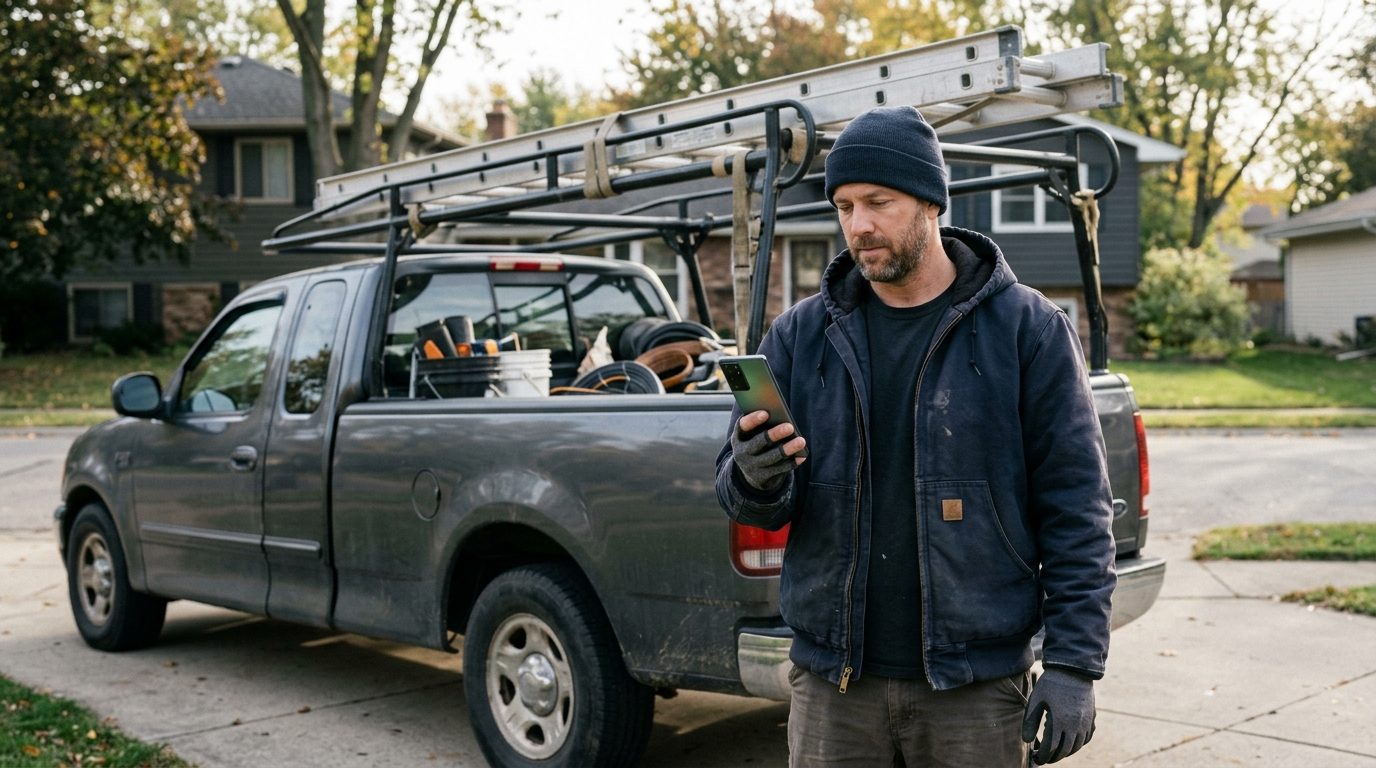
Your client says the leads are junk. You pull the log and the form was filled in at 9:12 on a Tuesday morning, and their first call went out at 2:40 that afternoon. The lead wasn't junk. It sat in an inbox nobody was watching. Most agencies lose clients in that gap between the form and the first call, and it happens long before anyone opens the monthly report.
This playbook covers the texts a lead generation agency sends in a normal week: the lead alert to the client, the confirmation to the consumer, the nudge when the client goes quiet, the follow-up when the consumer goes quiet, and the end-of-month numbers. Every message comes with its trigger, its wait and what happens when nobody replies.
Three audiences, three different jobs
An agency texts three kinds of people, and most of the problems come from mixing them up.
- The consumer who filled in the form. They want to know who is coming, and they should hear from you, the agency, no more than once.
- The client who bought the lead: the roofer, the insurance agent, the solar installer, the law firm intake desk. They want the lead on their phone the moment it exists, in a form they can act on from a truck.
- The client again, at month end. By then they want proof: leads delivered, leads answered, and how fast.
Each gets its own line, cadence and owner on your team.
Set it up as one line per client
 The structural risk is that one client's bad list damages everyone else's sending. A pest control client's stale list should never share a number with your dental client.
Android Texter lets one account pair several Android phones, and each shows up as its own device with its own name and number. The setup most agencies settle on:
- One paired handset per client (or per client group, if volumes are small). Name the device after the client in the dashboard so the inbox reads "Apex Roofing" rather than a phone model.
- One agency line for the client alerts in the next section, kept separate from any consumer traffic.
- Every send pinned to a device. The API's send call takes a
device_id, so your form handler always sends the consumer message from that client's handset. Auto-routing to the first online device mixes clients, so don't rely on it.
All of those threads land in one shared web inbox, so an account manager can work three clients without three phones on their desk.
Message 1: the lead alert to the client
Trigger: the form submission. Your form tool or landing page posts the lead to your own handler, which calls POST /api/v1/messages/send with the client's mobile number and the agency line's device_id.
Wait: none. This message is the reason the client pays you.
NEW LEAD for Apex Roofing: Dana R., 555-0142, roof leak / possible replacement, ZIP 30307. Submitted 9:12am. Reply 1 when you've called, 2 if you can't take it.
Keep it to what the client needs to dial: first name, number, job, location. Nothing you wouldn't put on a postcard; the full record goes behind a portal link.
The "Reply 1 / Reply 2" line matters more than it looks. Register a webhook for message.received and your system now knows, per lead, whether the client claimed it and when. That timestamp becomes the most useful number in your month-end report.
Message 2: the consumer confirmation, naming the client
Trigger: the same form submission, sent from the client's handset. Wait: send it straight away. The consumer has just pressed submit and is still holding their phone.
Hi Dana, this is Apex Roofing. We got your request about the roof leak. Mike will call you from this number within the hour. Reply STOP to opt out.
Two details in that message:
- It names the client, not the agency. The consumer asked a roofer for help. An unfamiliar lead gen brand makes the call that follows feel like a hand-off.
- It promises a call from this number. If the rep calls from a different line, say so in the message.
If you want the consumer's replies to reach the client directly, set an SMS forwarding rule on that handset to route inbound messages to the client's sales rep. The thread still stays in your inbox, so you can see whether the conversation happened.
Message 3: the nudge when the client goes quiet
Trigger: no "1" or "2" reply to Message 1. Wait: 10 minutes during business hours. Pick a number and use it for every client. Changing the wait per client makes the report meaningless.
Still open: Dana R., 555-0142, roof leak, ZIP 30307. She was told to expect a call within the hour. Reply 1 once you've reached her.
If there's still no claim at 30 minutes, the account manager calls the client. A client who ignores two alerts in a row is either swamped or about to cancel, and you want to know which.
A "2" reply (can't take it) should go to the account manager straight away. Whether that lead can be offered to anyone else depends on what the consumer agreed to on the form, which is covered further down.
Message 4: the follow-up when the consumer goes quiet
Sometimes the client calls promptly and still gets voicemail. The consumer gets one more text, and only one.
Trigger: schedule it at the moment of submission using the API's scheduled_at field (an RFC 3339 timestamp), set 24 hours out, from the client's handset.
Cancel it if the client marks the lead as reached. Scheduled messages can be edited or cancelled from /dashboard/scheduled or through the API.
Hi Dana, Mike from Apex Roofing again. Tried you yesterday about the roof leak. Is now still a good time to get it looked at? A quick yes or no is fine.
No reply to that one means the agency stops. Anything after this point is the client's own follow-up, on their own consent, and should be agreed with them in writing.
The week in the shared inbox
 Every morning (15 minutes per account manager). Search the inbox for yesterday's leads with no "1" from the client. Each one gets a phone call to the client before 10am.
During the day. Consumer replies on a client's handset that the forwarding rule didn't cover, usually "who is this?" or "what time?", get answered from the inbox with quick replies. Build a short set per client:
/who: "This is Apex Roofing. You asked about your roof on our website this morning. Mike will call from this number."/time: "Mike's out until 3 today. Is 3:30 or tomorrow morning better for you?"/wrong: "Sorry about that, we'll take this number off our list now."
The dashboard tracks how often each quick reply gets used. Once a month, check which ones actually earn their place and delete the rest.
Auto-replies for out-of-hours leads. A keyword or business-hours auto-reply on each client handset tells an 11pm lead that someone will call at 8am. Promise only what the client can deliver; our speed-to-lead auto-reply guide covers the wording.
Friday. Each account manager sends their client a one-line weekly text: "This week: 14 leads delivered, 12 claimed, average claim time 11 minutes."
What to show the client at month end
 You have three webhook events to work with:
 message.sent, message.delivered and message.received. Log them against each lead ID and the month-end report almost writes itself:
- Leads delivered. Every Message 1 with a delivery event.
- Leads claimed, and how fast. The time from Message 1 to the client's "1" reply. This is the number that settles a "your leads are junk" argument, in either direction.
- Consumers who replied. Inbound on the client's handset within 24 hours of submission.
- Opt-outs. Per client, per list source. A source that suddenly produces a lot of STOP replies is a source problem, and you should raise it before the client notices.
Send the summary as a text with a link to the full report. Clients read texts; they rarely open PDFs.
Consent and opt-out, per client
This is the one section where the rules change what you send.
Routing through a handset takes your traffic outside A2P 10DLC campaign vetting. It does nothing to the TCPA. Consent, disclosures and opt-outs remain your responsibility and your client's, exactly as they would on any provider.
Two points matter for an agency:
- Consent belongs to whoever the consumer agreed to hear from. The FCC's 2023 "one-to-one" consent rule never took effect. The Eleventh Circuit vacated it in Insurance Marketing Coalition v. FCC (January 24, 2025), and the FCC later removed it from its rules. But the consent you rely on is still whatever the form actually said, and to whom. Name the client on the form and you can text on the client's behalf. Reselling the lead to a second buyer is where agencies get sued, and our article on what counts as consent proof for purchased leads goes through it.
- STOP on a client's line suppresses that consumer for that client. STOP, UNSUBSCRIBE, CANCEL, END and QUIT replies are suppressed automatically. In its September 30, 2026 order the FCC narrowed the "revoke all" rule for informational messages only. A revocation in response to a telemarketing text still covers all of that sender's telemarketing, and the order takes effect 30 days after it is published in the Federal Register. Our opt-out rules guide explains what counts as a valid STOP.
None of this is legal advice. Have the client's counsel sign off on the form wording before the campaign goes live.
Frequently Asked Questions
Should lead alerts go to the client by text or by email?
By text, with email as the backup. A contractor or agent on the road sees a text within minutes and an email hours later, and the time to first call decides whether the lead converts. Put the name, number, job and ZIP in the text, and the full record behind a link. Ask for a one-character reply so you can measure how quickly they claimed it.
Do I need a separate phone number for each client?
For consumer-facing messages, yes, where volume allows. A separate paired handset per client gives each client its own number and its own sending reputation, so one client's poor list can't drag down another's deliverability. Client alerts can share a single agency line. All of them sit in one dashboard inbox.
What should the first text to a new lead say?
Name the business they asked, confirm what they asked about, say who will contact them and from which number, and include opt-out wording. One message, sent the moment they submit. Leave the agency's brand out of it, because the consumer asked a roofer or an insurer for help, not a marketing company they have never heard of.
How many follow-up texts should a lead get if they don't answer?
From the agency, one: a single follow-up about 24 hours after submission, cancelled automatically if the client marks the lead as reached. After that, any further contact belongs to the client, based on the consent they hold and on terms you have agreed with them.
Run your client lines from one inbox
If your clients are in verticals that aggregators won't take, or you just want each client on its own number without a campaign registration per brand, Android Texter pairs a handset per client to one shared inbox, with the API, webhooks and scheduled sends this playbook depends on. Pair your first device and send a test lead alert to your own phone tonight.