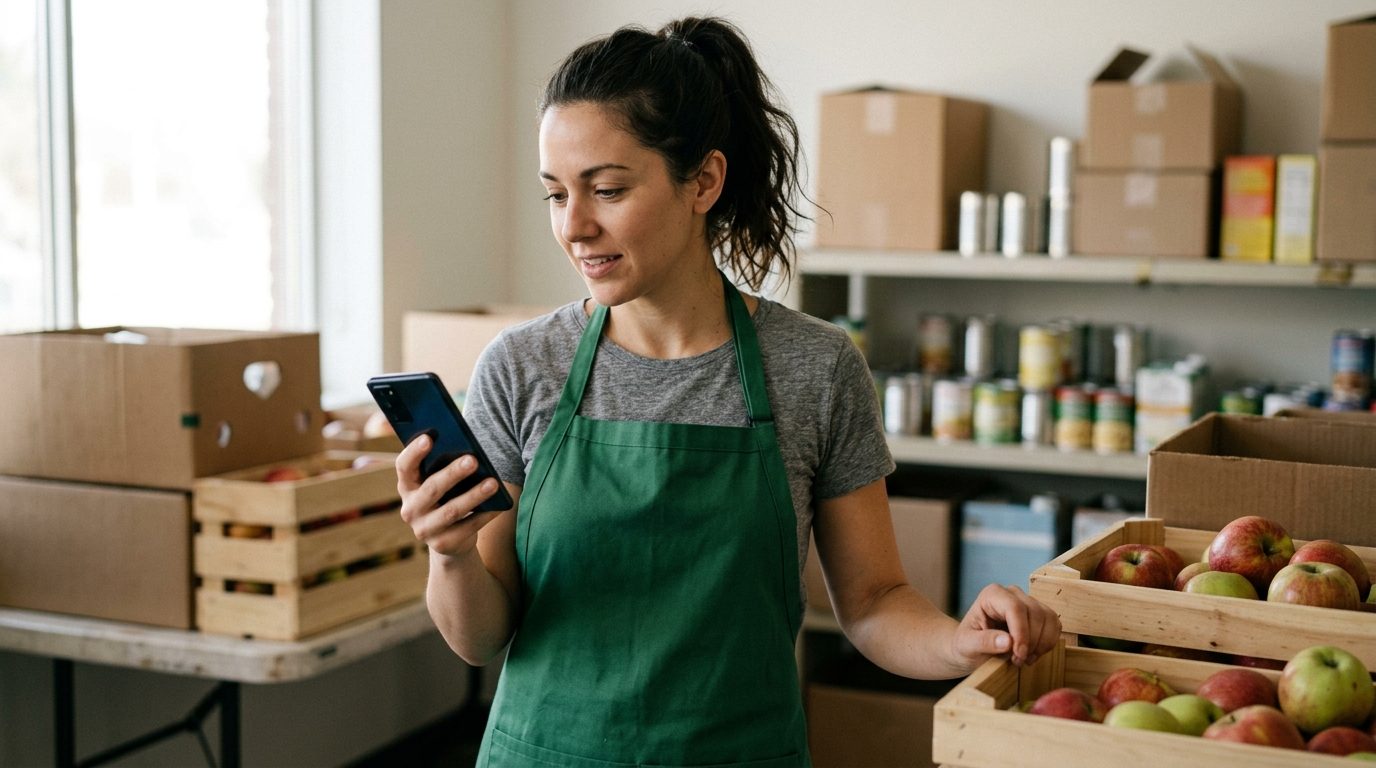
Forty gifts came in during matching week and the board chair wants every donor thanked by Monday. Saturday's food drive needs twenty-five volunteers at the loading dock by 7:30, and last time eight sign-ups never showed. The thank-you emails sit unopened, and the person who would normally call everyone is running the event.
This is the playbook for running donor and event communication by text at a small nonprofit: what goes out, what triggers it, how long to wait, who answers, and what to do when nobody does. It leaves out text-to-give keywords and political fundraising, which have their own machinery.
What a small nonprofit actually sends by text
Most nonprofits start by texting their appeal to everyone, which is the weakest use of the channel. Text works best for four things that are personal, timely and short:
- Gift thank-yous, from a person, within hours, with no ask.
- Event logistics: confirmations, reminders, parking, the weather call.
- Volunteer shifts: confirming who is coming and filling the gaps.
- Follow-through: the food drive photo, the matching goal hit, the receipt in their inbox.
Appeals can follow, to people who asked for them, once a donor has had a few messages that wanted nothing back.
The donor thank-you sequence
 The thank-you is the most valuable text a nonprofit sends. This three-message sequence runs off one trigger: a gift lands in your donation platform.
Message 1: within two hours of the gift, during waking hours. Sent by a named person, ideally the executive director or the development lead.
Hi Maria, it's Dana at Eastside Food Pantry. I just saw your gift come in and wanted to say thank you personally. It goes straight to Saturday's distribution. No need to reply, just wanted you to know it landed.
If the gift arrives after 8 p.m., schedule it for 9 the next morning. Leave the amount out unless you are deliberately calling out a major gift.
Message 2: 7 to 10 days later. One concrete thing the money did. An MMS photo works here if you have one.
Maria, Dana again from Eastside. Saturday we served 212 families, and your gift covered fresh produce for the first table. Here's the line at 9am. Thank you for being part of it.
Message 3: 30 to 45 days later. A short update with an open door, still no ask.
Hi Maria, quick update from Eastside: the new walk-in cooler is installed, so we can take fresh donations from two more grocers. If you ever want to see the pantry on a distribution day, reply and I'll set it up.
On no reply: do nothing. A donor who never answers has still been thanked three times. Never send "did you get my message?"
On a reply: answer the same day, from the same person. A donor who writes "my mom used the pantry in 2009" has just told you why they give. Log it.
The receipt is separate. A text thank-you does not replace the written acknowledgment. Under IRS Publication 1771, a donor needs a contemporaneous written acknowledgment for any single gift of $250 or more, and an organization can provide it electronically, for example by email. If the donor got something in return, such as a gala dinner, a payment over $75 also triggers a written disclosure of the deductible amount. Keep sending the receipt by email or post. The text can point to it, which cuts the "did you get my check?" calls in January.
Event reminders that cut no-shows
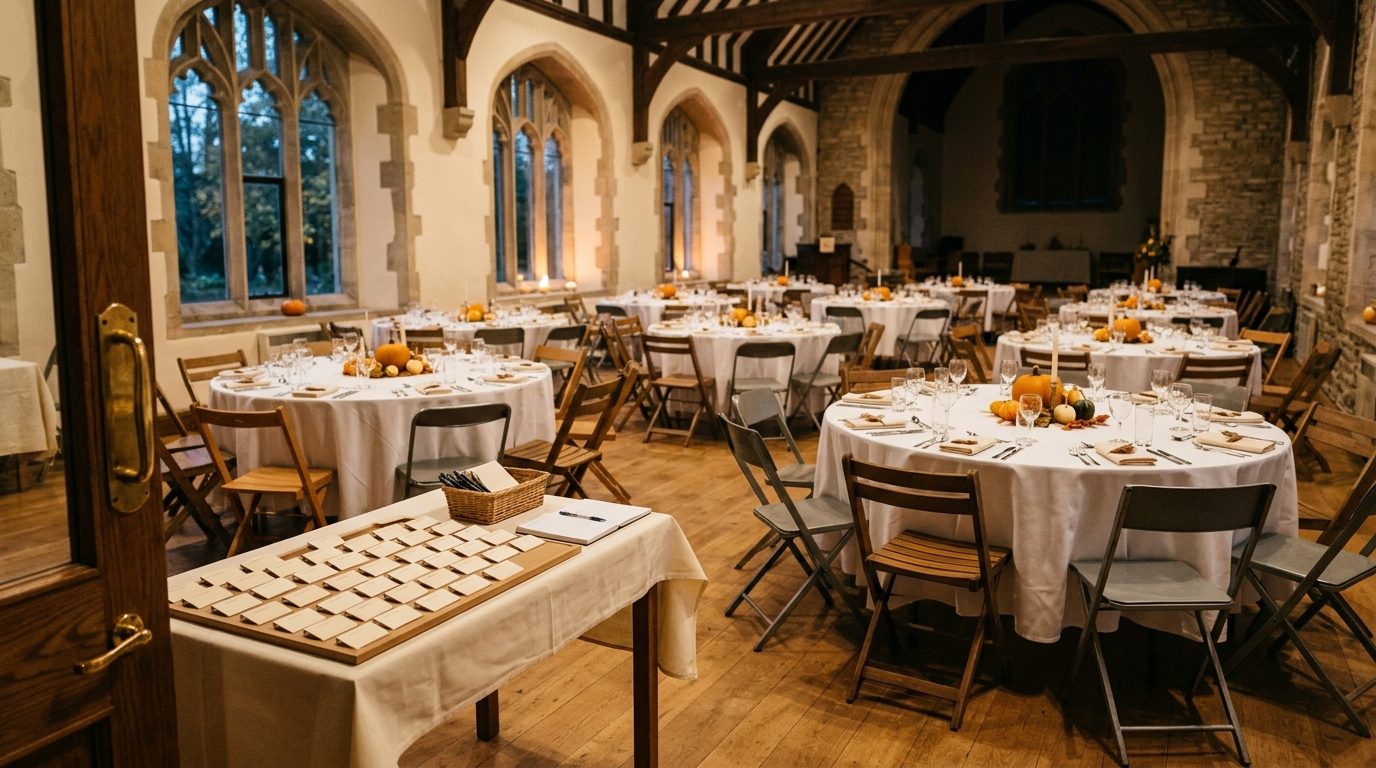 An RSVP is a promise made weeks ago. For a gala, a breakfast or a community event, run this ladder:
On registration (immediately):
You're on the list for the Eastside Harvest Dinner, Sat Oct 18, 6pm at St. Brendan's Hall. I'll text the week of with parking details. Questions? Just reply here. (Dana, Eastside Food Pantry)
7 days out:
Harvest Dinner is next Saturday! Doors 6pm, dinner 6:45. If your plans have changed, reply CHANGE and I'll free up your seat for the waitlist.
Day before, mid-afternoon:
See you tomorrow at 6! Parking is free in the school lot across Elm St. Use the side entrance with the green banner. Reply if you need a seat near the front for mobility reasons.
Within 24 hours after:
Thank you for coming last night. We raised enough to keep Saturday distributions running through March. Photos are up on our Facebook page this afternoon.
The 7-day message does the most work, because it lets people cancel without awkwardness. A seat released on Monday goes to the waitlist; an empty one on Saturday is a wasted plate.
On no reply: treat it as a yes. On CHANGE: confirm within the hour and text the next person on the waitlist.
Schedule all four when the person registers. In Android Texter that is the scheduled-send picker in the composer, or the scheduled_at field if your registration form calls the API, so the messages go out whether or not anyone remembers. If the venue changes, cancel and requeue them from the scheduled messages page.
Volunteer shifts: confirm, remind, fill
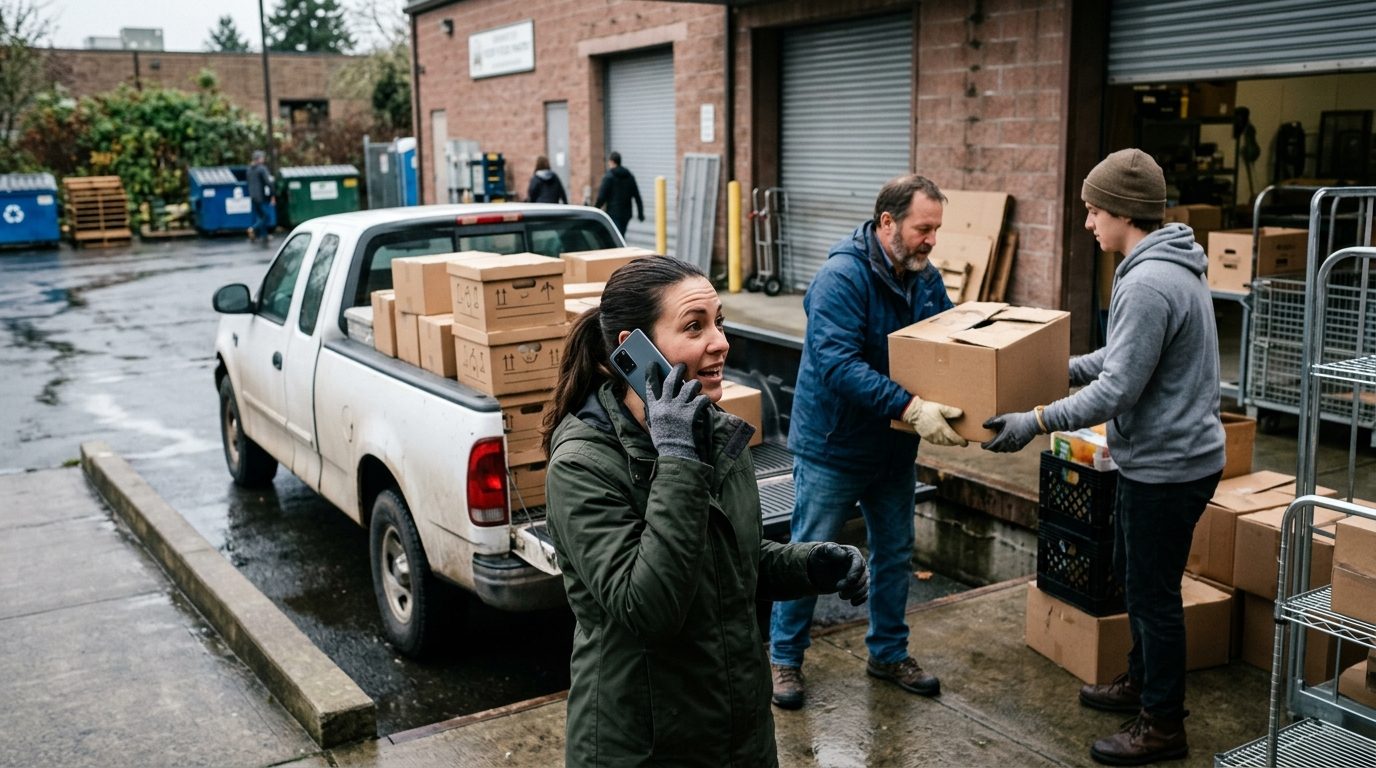 Volunteers are the most likely to sign up and not appear. The fix is a confirmation that asks for a reply.
48 hours before the shift:
Hi James, you're down for Saturday's food drive, 7:30 to 11am at the loading dock behind the pantry. Can you still make it? Reply YES or NO.
Morning of, 90 minutes before:
Morning James! Loading dock is around the back on Wade St. Wear closed-toe shoes. Coffee's on us. Text this number if you're running late.
To fill a gap, to the volunteer list:
Short 4 people for Saturday's food drive, 7:30 to 11am. First four to reply YES get the spots. Thank you!
On no reply to the 48-hour confirm: one nudge 24 hours out ("Still good for tomorrow at 7:30?"). If that gets nothing too, count them as a maybe and send the fill message. On NO: thank them, offer the next date, release the slot.
Answer fill replies within minutes: confirm the first four, tell the rest "We're full, thank you! I'll text you first next time." Silence after someone volunteers is how you lose them.
Who owns the inbox
A text program fails when replies land on a phone nobody watches. Decide ownership before the first send.
The workable setup is two lines: development owns thank-yous and donor updates, the volunteer coordinator owns shifts and event logistics. With multi-device pairing, both Android phones sit in one dashboard inbox, each with its own number, so donors only hear from Dana and volunteers only hear from the coordinator. A forwarding rule can send inbound replies matching a pattern to the executive director's phone or a Telegram channel.
Build quick replies for the questions that come every week:
/receipt: "Your tax receipt went to your email the day of your gift. If you can't find it, reply with the email you used and I'll resend it."/parking: the parking and entrance line for the current event./thanks: "Thank you so much, that means a lot to all of us here."/shift: "Thank you! You're confirmed. I'll text you the morning of with directions."
The dashboard counts how often each one is used, which tells you what your website should be answering.
A week in the inbox
A normal week for a pantry with one event coming up:
- Monday: weekend gifts get message 1 at 9am. The 7-day event reminder goes out; CHANGE replies are handled by noon and the waitlist is texted.
- Tuesday and Wednesday: message 2 to the gifts from the week before last, with Saturday's photo. Replies answered and logged.
- Thursday: 48-hour volunteer confirmations. NO replies counted by 5pm.
- Friday: nudges to unconfirmed volunteers, the fill broadcast by noon if still short, the day-before event message mid-afternoon.
- Saturday: the morning-of volunteer text at 6am, scheduled on Thursday. The coordinator watches for late-runners.
- Sunday: the post-event thank-you.
Nearly all of it is scheduled ahead; the live work is replies.
How to tell if it is working
Track four numbers by hand:
- Thank-you reply rate: the share of donors who answer message 1.
- Attendance against RSVPs: this event, with the ladder, against the last one without it.
- Volunteer no-shows: before and after the 48-hour confirmation.
- Second gifts: of donors who got the sequence, how many gave again within twelve months. It takes a year to read, so start the cohort now.
When a registered texting platform is the better choice
Nonprofits are not a blocked category. US nonprofits register a 10DLC brand like any business, and Twilio's nonprofit onboarding guide notes that they have access to additional special use cases, such as Charity/501(c)(3), which can bring increased throughput or discounted pricing on T-Mobile. ClickSend's charitable campaign guide says 501(c)(3)s need an IRS determination letter to qualify.
If you text tens of thousands of supporters, run text-to-give keywords, or already pay for a donor platform with registered texting built in, that route is probably right for you. It is built for volume.
Android Texter fits the other case: a small team sending personal messages from a number donors recognize, without brand registration and campaign paperwork to send "thanks, see you Saturday." Messages go out as ordinary person-to-person texts from your own phone, and replies land in a shared inbox.
Consent and opt-outs
The federal Do-Not-Call rules are built on the definition of "telephone solicitation," and 47 U.S.C. § 227(a)(4) excludes calls or messages by a tax-exempt nonprofit organization from that definition. That carve-out does not remove the TCPA's separate consent requirements for texting cell phones. Our post on texting numbers on the Do-Not-Call list covers how the two pieces fit together.
In practice: collect the mobile number on the donation, registration or volunteer form with a line saying you will text about it, keep the record, and honor STOP and its variants at once (see our opt-out rules post). Using your own phone changes none of this, and this is not legal advice.
Frequently Asked Questions
Can a nonprofit send a donation receipt by text message?
Use the text to tell the donor where their receipt is, and send the receipt itself by email or post. IRS Publication 1771 says a written acknowledgment for a gift of $250 or more can be provided electronically, "such as via an email addressed to the donor." Email is the form the IRS names, donors can keep it, and it holds every required detail in one place.
How soon after a donation should we send a thank-you text?
Within a couple of hours, during waking hours. If the gift arrives late at night, schedule the message for 9 the next morning. Speed matters because the donor still has the gift in mind, but a 10:45 p.m. text from an organization feels intrusive. Send it from a named person and leave out any ask.
Do nonprofits need consent to text donors?
Yes, in practice. The nonprofit exclusion in the TCPA's definition of telephone solicitation affects the Do-Not-Call rules, but it does not override the separate consent requirements for texting cell phones. Collect the number on the gift or sign-up form with a clear note that you will text, keep the record, and honor STOP at once. Ask your counsel about your specific program.
How many texts a month is too many for donors?
There is no fixed number, but the sequence above is three texts in the six weeks after a gift, and none of them asks for money. Adding one monthly appeal for donors who opted in to updates is a reasonable start. Watch your STOP rate after each send. If it rises, cut back.
Start with the next gift
Write the three thank-you messages tonight and send message 1 to your next donor tomorrow morning. If you want those texts to go out from your own number, with a shared inbox and scheduled reminders, Android Texter is built for exactly that.