
You built your first inbound handler the obvious way: a loop that calls GET /api/messages/received every few seconds and checks for anything new. It works in testing. Then you put it in front of real traffic and two things happen. First, your poll interval becomes a constant trade-off: tighten it and you're burning requests against a rate limit for messages that mostly aren't there yet, loosen it and a lead who replied nine seconds ago is still waiting on your auto-response. Second, someone replies STOP, and your loop picks it up on the next tick instead of the moment it lands. Neither problem shows up in a demo. Both show up in production.
The fix is to stop asking and let the platform tell you. Android Texter's API supports both patterns, polling and webhooks, and for anything past a low-volume prototype the webhook is the right default. Here's how the two actually differ, how to wire up the webhook, and why the STOP case specifically is worth getting right the first time.
What Actually Goes Wrong When You Poll
Android Texter's v1 API caps generic requests at 5 per second with a burst of 10. That's plenty of headroom for a dashboard or an occasional lookup. It is not built to be hit in a tight loop by every customer's inbound handler running its own poll cycle. If you poll every 2 seconds to stay responsive, you've committed to a standing request rate whether or not anything is waiting, and you're one misconfigured retry loop away from tripping the limit.
The latency problem is separate and worse. A poll interval is a promise you make to every inbound message: "you will wait at most N seconds before anything happens." For a lead-gen auto-reply, that delay is the difference between a conversation and a bounce to a competitor who answered first. For a STOP request, that delay is the gap between when a customer withdrew consent and when your system actually knows it. Widening the interval to save on request volume makes both of those worse at the same time.
How a Webhook Replaces the Loop
 A webhook flips the direction of the request. Instead of your code asking Android Texter "anything new?" on a schedule, you register an HTTPS endpoint once, and Android Texter calls it the moment something happens. There's no interval to tune and no idle polling. The events available are
 message.received, message.sent, and message.delivered, so the same mechanism that pushes you an inbound reply also tells you when an outbound message actually landed on the carrier, not just when your call to send it returned.
You register the endpoint with POST /api/v1/webhooks, authenticated the same way as every other call, with your atx_ key in the X-API-Key header. The response to that registration includes a signing secret, which is the piece that lets you trust what shows up at your endpoint later.
Setting Up an Android Texter Webhook
 The setup is a one-time call, not an ongoing integration project:
- Stand up an HTTPS endpoint that can accept a POST request. It needs to be publicly reachable, since Android Texter's servers are what call it, not your browser.
- Generate an API key at
/dashboard/settings/api-keysif you don't already have one scoped for this integration. - Call
POST /api/v1/webhookswith your endpoint's URL. The exact request and response schema, including the field names for the signing secret and event payload, is in the interactive Swagger UI at/api/swaggerand the raw spec at/api/openapi.json. Read the live schema there rather than guessing at field names, since that's the version that stays current as the API evolves. - Send a test message through the dashboard composer and confirm your endpoint receives a
message.sentormessage.deliveredevent, then reply to that number from another phone and confirmmessage.receivedshows up. - Keep your polling code around as a manual fallback for reconciliation, disabled by default, not as the primary path.
That's the whole setup. No campaign approval, no carrier vetting step to wait on, because the events are describing P2P traffic off a real handset, not an A2P campaign that a carrier has to bless first.
Verify Every Payload Before You Trust It
An endpoint that accepts unauthenticated POST requests is an endpoint anyone can call. The signing secret you got back when you registered the webhook exists to close that gap: Android Texter signs every payload with it, and your endpoint should recompute that signature over the raw request body and reject anything that doesn't match before acting on it.
Do the comparison with a constant-time equality check, not a plain string comparison, since a timing difference in how fast a mismatch is rejected can itself leak information about the correct signature. The specific header name and hashing scheme are documented against the live API at /api/swagger, next to the webhook registration endpoint itself, so implement against that rather than against this paragraph.
This step is not optional if the webhook triggers anything that touches consent state, like suppressing a number after a STOP. An attacker who can forge a message.received event could otherwise inject fake replies into your automation.
Why Real-Time Matters Most for STOP Requests
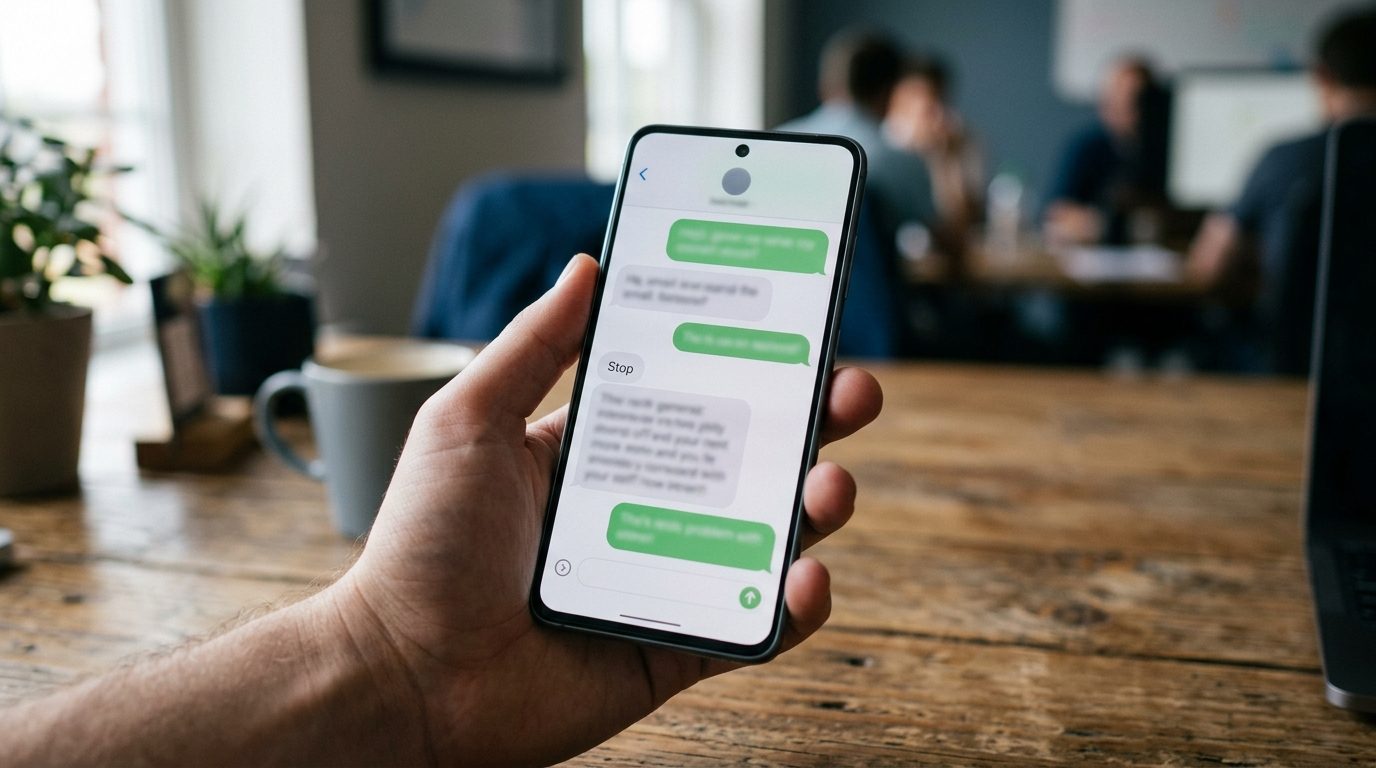 Here's the case for treating this as more than a performance detail. On September 2, 2026, Palm Beach Tan agreed to pay $2.5 million to settle a TCPA suit, Hudson v. Palm Beach Tan, Inc., No. 1:23-cv-00486-UA-JEP (M.D.N.C.), over text messages that kept going out after customers had already asked to stop. The settlement agreement includes a long list of phrasings the parties agreed count as a valid stop request beyond the word "stop" itself: variations like "unsubscribe," "cancel," "remove," "take me off," "don't text," and misspelled or partial versions of all of them.
The legal question in that case is about what counts as a stop request, and we're not going to tell you how to litigate that. The operational lesson is narrower and applies regardless of how a court reads any given phrase: the size of the window between "a customer asked to stop" and "your system acted on it" is exactly the fact pattern that turns into a lawsuit. The FCC's own consumer guidance is built around the same expectation, that a consumer's request to stop gets honored, not eventually processed.
Android Texter's auto-reply rules can match on a keyword and suppress the number the instant the inbound message arrives, but that automation only fires as fast as your system learns the message exists. A five-minute poll interval means a five-minute window where an unrelated scheduled send, a broadcast, or another automation can still go out to a number that just opted out. A webhook closes that window to whatever your endpoint's own processing time is, typically well under a second. We don't advise on TCPA compliance and we don't represent that any specific setup is compliant. What we can say is that the architecture you choose for reading inbound messages directly controls how long that window stays open.
When Polling Is Still Fine
Webhooks aren't mandatory for everything. If you're prototyping locally without a public HTTPS endpoint yet, or you're doing a one-off historical pull to reconcile a batch of messages after the fact, GET /api/messages/received is the simpler tool and there's no reason to stand up webhook infrastructure for it. The line to watch for is volume and consequence: the moment an inbound reply needs to trigger something time-sensitive, especially suppression, a webhook is worth the setup cost.
Frequently Asked Questions
Does Android Texter support webhooks for inbound SMS?
Yes. POST /api/v1/webhooks registers an HTTPS endpoint that receives message.received, message.sent, and message.delivered events as they happen, instead of you polling GET /api/messages/received on a timer. The registration response includes a signing secret for verifying payloads.
What's the actual difference between polling and a webhook here?
Polling means your code asks on a schedule whether anything new arrived, so there's always a delay equal to your poll interval. A webhook means Android Texter calls your endpoint the moment an event happens, so the delay is just your own processing time, not a fixed interval you chose in advance.
How do I verify a webhook request actually came from Android Texter?
Use the signing secret returned when you registered the endpoint to recompute the HMAC signature over the raw request body, then compare it to the signature Android Texter sends with the payload using a constant-time comparison. The exact header and payload format are documented in the live Swagger UI at /api/swagger.
Can I run polling and webhooks at the same time?
Yes, and it's a reasonable setup. Use the webhook as your primary path for real-time handling, and keep an occasional poll of GET /api/messages/received as a reconciliation check to catch anything your endpoint might have missed during a deploy or an outage.
Does using a webhook change how quickly I need to honor a STOP request?
A webhook doesn't change your legal obligation, the TCPA applies the same way regardless of how you read inbound messages. What it changes is how much delay your own architecture adds on top of that obligation. A webhook lets your suppression logic act within your own processing time instead of waiting on a poll interval.
If you're building this on Android Texter, the webhook registration lives right next to your API keys in the dashboard, and the full request and response schema is in the Swagger docs at /api/swagger when you're ready to wire it up.