
If you're running deals out of Podio, chances are you didn't set up the texting yourself. The Real Estate Investment App Pack most wholesalers install comes with a Twilio extension already wired into the Workflow Automation flows: a lead hits your "Send Offer" stage, a flow fires, Twilio sends the text. It works great in a demo. Then you register a 10DLC campaign for it and watch your delivery rate fall off a cliff, or you never get the campaign approved at all.
This isn't a Podio problem. It's what happens when high-volume outbound to homeowner lists runs through a carrier-gated business messaging system that was never going to approve that use case. Here's why it breaks, and the specific steps to swap the Twilio action in your existing Podio flow for a P2P send through Android Texter instead.
Why the Twilio Extension in Your Wholesaling Pack Stops Working
Podio's Real Estate Investment App Pack is built around GlobiFlow (now called Podio Workflow Automation), and its default "Send SMS Text" action is a Twilio call. That's fine if Twilio approves your campaign and keeps approving it. For real estate wholesaling, that's the part that doesn't hold.
To send business SMS through Twilio at all, you have to register a Brand and a Campaign with The Campaign Registry and get it approved by the carriers under A2P 10DLC. Twilio's own rejection error for this, code 30912, spells out exactly why cold outbound to a homeowner list keeps getting bounced: campaigns get rejected when they "describe personal or peer-to-peer messaging instead of business messaging sent from an application to a person," and Twilio's guidance is explicit that if the traffic is genuinely peer-to-peer, it shouldn't be submitted as an A2P 10DLC campaign in the first place. A one-line "Hey, still interested in selling 412 Oak St?" sent from a script to a scraped list reads exactly like the peer-to-peer traffic Twilio says doesn't belong in that pipeline, which is also why some campaigns get approved and then throttled anyway.
Even when a wholesaling campaign clears review, it typically gets filtered hard after the fact. There's usually no bounce message and no error in your flow log. The text just doesn't arrive, and Podio has no way to tell you that.
What's Actually Happening Inside the Flow
 Open the flow that fires your Twilio SMS action (usually triggered on an item update, like a status field changing to "Send Offer" or "Follow Up") and you'll see a straightforward "Send SMS Text" action pulling a phone field and a templated message. Workflow Automation's own Send SMS Text documentation describes this as the built-in path, with a small pool of included SMS credits before you're expected to bring your own Twilio (or ClickSend) account.
That's the piece to replace. Everything else in the flow, the trigger, the field mapping, the drip logic for multi-day follow-up sequences, stays exactly as it is. You're only swapping the send action.
The P2P Alternative: Route the Send Through Android Texter
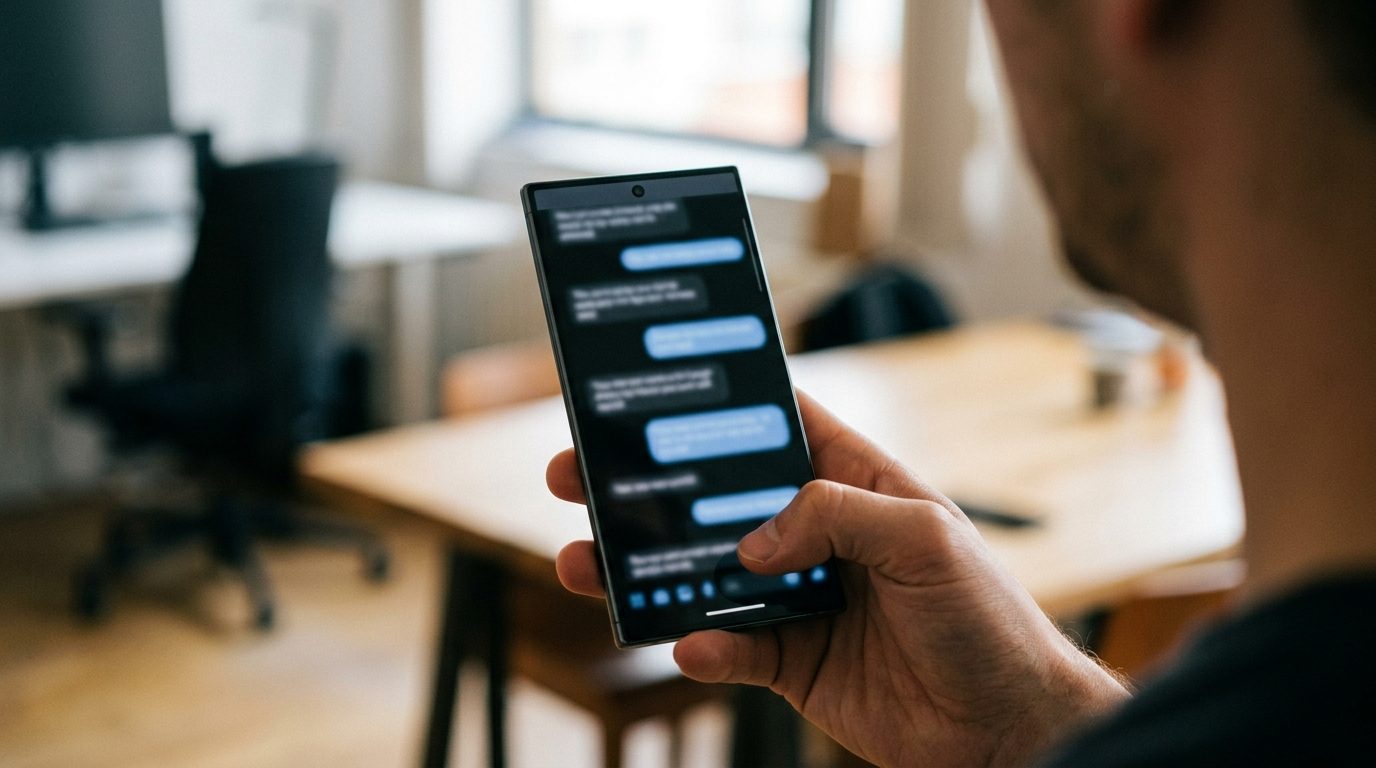
Android Texter routes outbound SMS through a real Android phone on a real carrier line, the same way a text from your own handset works. That traffic is P2P, not A2P, so A2P 10DLC's brand registration, campaign approval, and content filtering never apply to it. Ironically, that's the exact category Twilio's own error message describes as not belonging in its business-messaging pipeline. TCPA still governs who you can text and what you can say to them, that part doesn't change no matter which channel sends the message, but the carrier-gate layer that's currently killing your Podio campaign isn't in the path at all.
Android Texter exposes a REST API at androidtexter.com/api (OpenAPI spec at /api/openapi.json, interactive docs at /api/swagger), authenticated with a per-user API key prefixed atx_ sent as the X-API-Key header. POST /api/v1/messages/send queues an outbound SMS through your paired Android device, with support for a scheduled send time, a specific device target, and media attachments if you want to send photos of the property with the offer. That's the endpoint Podio's flow needs to call instead of Twilio's.
Step by Step: Swap the Action
- Generate an API key. In the Android Texter dashboard, go to Settings > API Keys and create one. It starts with
atx_, treat it like a password. - Pair at least one Android phone. From /dashboard/devices, scan the QR code with the Android Texter app on the phone you want sending. This is the number your leads will see and reply to.
- Open the existing flow in Podio Workflow Automation. Find the flow that currently fires your Twilio "Send SMS Text" action on your wholesaling app.
- Disable or delete the Twilio action. Leave the trigger and field logic in place.
- Add a Remote Post action. Point it at
https://androidtexter.com/api/v1/messages/send, method POST, headerX-API-Key: atx_yourkey, JSON body with the recipient phone field and your templated message, something like{"phone": "{{Phone Number}}", "message": "{{Offer Text}}"}. - Test on one item before you turn it back on for the whole app. Trigger the flow manually against a single record and confirm the text lands on the phone you paired.
- Keep your drip cadence as is. If your follow-up sequence already schedules sends days apart inside Workflow Automation, leave that scheduling where it is and just let each scheduled step call the new action. If you'd rather have Android Texter hold the send, the API's
scheduled_atfield takes an RFC 3339 timestamp and queues it on our side instead.
That's the whole swap. No campaign to register, no brand to vet, no monthly per-campaign fee sitting on top of your Podio and Workflow Automation subscriptions.
Routing Replies Back Into Podio
Outbound is half the flow. Wholesaling lives or dies on the reply, so you want inbound texts landing back on the item record, not just in the Android Texter inbox.
Android Texter supports webhooks: POST /api/v1/webhooks registers an HTTPS URL and subscribes it to events including message.received. Workflow Automation's own webhook catcher gives you a URL in the format https://secure.globiflow.com/catch/[hook-code], generated by building a webhook-triggered flow. Register that catch URL as your Android Texter webhook target, and every inbound reply posts straight into a flow that can log it onto the matching item, by phone number, or flag it for a human to call.
One honest caveat: Android Texter's webhook registration returns a signing secret so you can verify the payload came from us via HMAC, but Workflow Automation's catch action doesn't compute that signature verification on its own. Treat the catch URL itself as a secret (it's not guessable, but don't publish it anywhere) rather than relying on signature checking inside a no-code flow.
Spreading Volume So You Don't Trip a Carrier's Velocity Filter
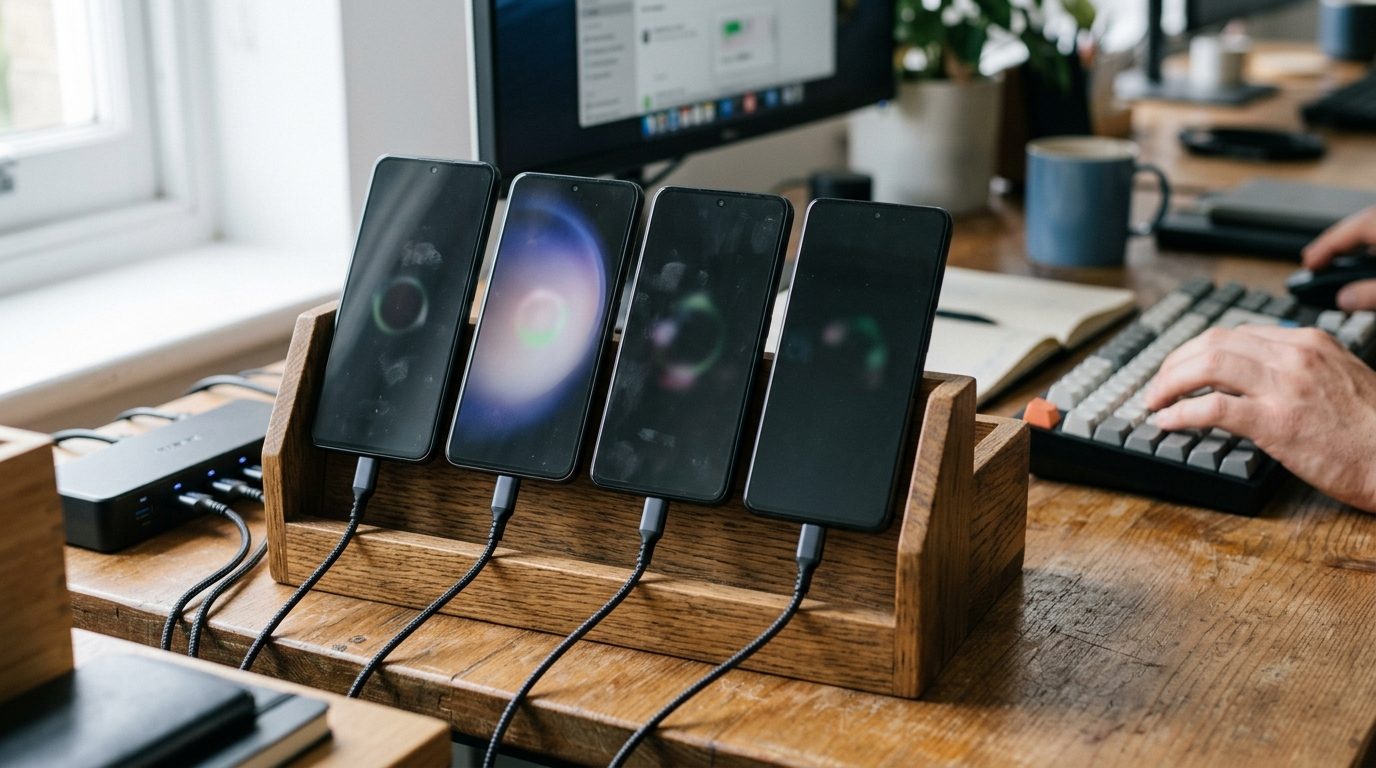 One phone sending a few hundred prospecting texts a day starts to look like exactly what it is: high-volume outbound from a single line. Carriers throttle that the same way they'd throttle a spam operation, just without the A2P content rules driving it.
Android Texter's multi-device pairing lets one account run several phones, each with its own number, either auto-routed to the first online device or targeted directly with a device_id on the send call. For a wholesaling operation, that typically means pairing three to five phones and splitting the list, keeping each line around 100 to 200 sends a day so the pattern looks like what it is: a person, not a blast tool.
What Doesn't Change: Consent, DNC, and TCPA
None of this touches your legal exposure, and it shouldn't. Cold outbound to phone numbers pulled from public property records is the highest-risk consent posture in this industry, and it's the reason wholesalers are disproportionately named in TCPA class actions. The statute requires prior express consent for non-emergency marketing texts to a wireless number regardless of which platform sends them, with statutory damages of $500 per violation and up to $1,500 if the violation is found willful.
Scrubbing your list against the National Do Not Call Registry before you send, documenting where each number came from, and honoring STOP the moment it comes in are the same three things you'd need to do if Twilio were sending the message. Android Texter doesn't reduce that exposure and doesn't claim to. What it changes is whether the message reaches the phone at all.
Frequently Asked Questions
Does moving off Twilio reduce my TCPA risk?
No. TCPA consent requirements apply to the message and the recipient, not the sending platform. Switching from Twilio's A2P pipeline to a P2P send through Android Texter removes the carrier's business-messaging gate, but you still need prior express consent (or a valid exemption) for every number on your list.
Can I keep my existing Workflow Automation drip sequence and just change the send step?
Yes. The trigger logic, field mapping, and multi-day scheduling in your flow don't need to change. You're replacing one action (the Twilio "Send SMS Text" call) with a Remote Post to Android Texter's /api/v1/messages/send endpoint. Everything upstream of that action stays as built.
What happens to my registered Twilio campaign if I stop using it?
You can leave it registered and dormant or ask Twilio to deactivate it. A2P 10DLC campaign fees typically run $2 to $15 a month per campaign, so an unused registration mostly just sits there costing a small recurring fee until you cancel it.
Do I still need Twilio for anything?
Not for the wholesaling text flow. Some operators keep a separate Twilio number for voice, call tracking, or other tools that assume a Twilio-style API, but the SMS piece described here doesn't depend on it.
How many phones do I actually need for a full-size list?
It scales with volume, not with how many leads you have total. Three to five paired phones running roughly 100 to 200 sends a day each covers a mid-size wholesaling operation without any single line looking like a blast source to the carrier.
If your Podio wholesaling flow is stuck behind a Twilio campaign that never got approved, or one that got approved and then quietly stopped delivering, Android Texter is built for exactly that gap: routing the same Workflow Automation flow you already built through a real phone instead of a business-messaging pipeline that was never going to take this use case.