
Zoho CRM already has an SMS option built in. Install the Twilio SMS extension from the Zoho Marketplace, connect an account, and you can text a lead without leaving the record. Then you actually try to use it for a lending business, a credit repair shop, or a lead-gen operation, and the messages sit unsent or trickle through at a fraction of what you sent. The extension isn't broken. It's routing every text through A2P 10DLC, the same carrier gate that throttles or blocks the exact industries that rely on Zoho because it's affordable and doesn't ask what you sell.
This is how to send SMS from Zoho CRM without going through that gate: a webhook on the Zoho side, a REST call on the other end, and a real phone doing the sending instead of a registered campaign.
Why Zoho's own SMS extensions don't get you out of 10DLC
Zoho's Marketplace lists two official SMS options for Zoho CRM: Twilio SMS for Zoho CRM and Plivo SMS for Zoho CRM, the latter restricted to Enterprise edition and above. Both extensions are thin wrappers around a carrier aggregator, and both aggregators require the same thing before a single text leaves their network: a registered Brand and Campaign with The Campaign Registry, reviewed and approved by the carriers under the industry's A2P 10DLC framework.
That framework exists because CTIA's Messaging Principles and Best Practices, the industry standard the major carriers built their filtering around, treats high-volume application-to-person traffic as a category to be vetted before delivery, not after. Carriers use that vetting to decide which campaigns get full delivery, which get throttled, and which get rejected outright. Payday lending, debt collection, cannabis, vape, crypto, MLM, and real estate wholesaling routinely land in the throttled or rejected pile regardless of whether the business itself is doing anything wrong. The campaign gets classified, and the classification decides deliverability, not the content of any individual message.
So installing Twilio or Plivo inside Zoho doesn't remove the gate. It just moves the gate one layer closer to your CRM screen.
The alternative: a phone, not a campaign ID
Android Texter routes SMS through a real Android handset on a real consumer carrier line instead of through an aggregator's registered campaign. A text sent this way looks to the carrier like any other person-to-person message, because that's what it is: person-to-person SMS, not application-to-person traffic riding a business sender ID. There's no Brand to register, no Campaign to get approved, and no content-classification layer deciding whether your industry qualifies.
That doesn't touch the TCPA. Consent, recordkeeping, and opt-outs are still entirely on you, the same as they'd be with Twilio or Plivo. What changes is the carrier-side approval step that sits on top of the law, the one that blocks legal businesses regardless of consent because of what they sell rather than what they send.
Get your API key and the send endpoint
 Before touching Zoho, generate a key from the Android Texter dashboard at
 /dashboard/settings/api-keys. Keys are prefixed atx_ and get sent as the X-API-Key header on every request. Outbound messages go through POST /api/v1/messages/send, which queues an SMS or MMS through your paired device. The full field reference lives in the OpenAPI spec at /api/openapi.json, with an interactive version at /api/swagger where you can test a call before wiring it into Zoho.
Wire the outbound side: Zoho workflow rule to webhook
 Zoho CRM's webhook actions are available from the Standard plan up, according to Zoho's own developer documentation, so you don't need Enterprise for this half of the setup (Plivo's extension does, which is one more reason to skip it).
- In Zoho CRM, go to Setup > Automation > Actions, open the Webhooks tab, and click Configure Webhook.
- Give it a name, set URL to Notify to
https://androidtexter.com/api/v1/messages/send, and set the HTTP Method to POST. - Pick the Module the webhook should watch, typically Leads or Contacts.
- Under headers, add a custom parameter for
X-API-Keywith youratx_key as the value. Zoho's webhook headers support both dynamic CRM field values and static custom values, so the key can sit here as a fixed credential rather than something pulled from the record. - Build the request body using Zoho's merge-field syntax, for example
${Leads.Mobile}for the destination number, referencing the exact field names shown in the Swagger UI for the message body and any optional fields like scheduled time or device targeting. - Save the webhook, then go to Setup > Automation > Rules, create a Workflow Rule with whatever trigger condition should fire a text (a Lead Status change to "Qualified," a checkbox field, a stage move), and under Instant Actions, associate the webhook you just built.
From that point, moving a lead into the right state in Zoho fires the webhook, which hits the Android Texter API, which sends the text from your paired phone. No campaign, no TCR brand, no waiting on carrier approval.
If you need to reach a list rather than one record at a time, the /api/v1/messages/send endpoint accepts a broadcast of up to 500 phones per call, which is a separate direct API call rather than something a per-record workflow rule is built for. Save that for scheduled list sends rather than the one-lead-at-a-time trigger described above.
Getting replies back into the pipeline
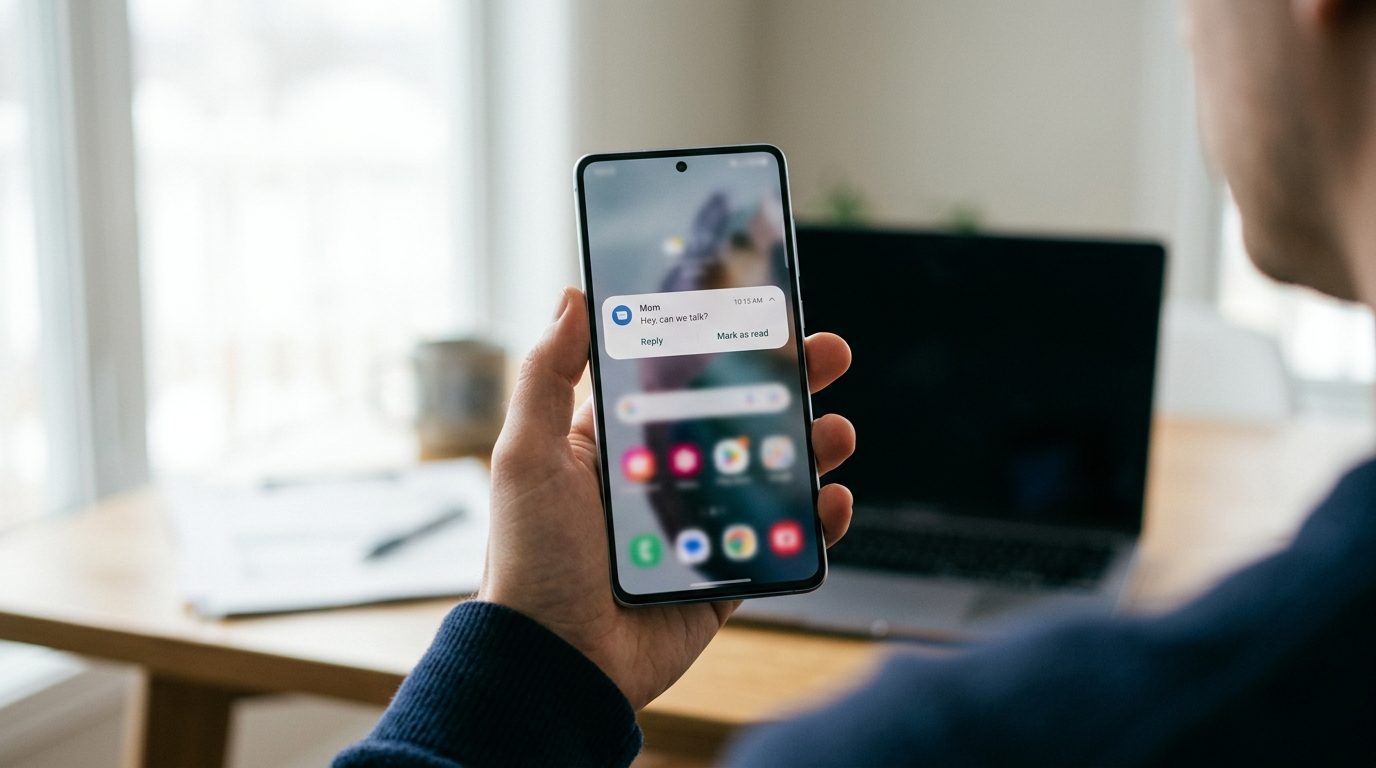 This is the part Zoho's own webhook feature doesn't help with, because Zoho's Webhooks tab is built to send data out, not receive it. Android Texter's inbound side works through
 POST /api/v1/webhooks, which registers an HTTPS endpoint to receive message.received, message.sent, and message.delivered events, along with a signing secret to verify each delivery over HMAC.
Pointing that at Zoho directly isn't a one-step setup, because there's no built-in "receive a webhook and log it to a Lead" action inside Zoho CRM itself. The practical path is a small receiver, either something you run yourself that matches the inbound number to a CRM record and calls Zoho's REST API to add a Note or Task, or a middleware step through Zapier, Make, or n8n, all three of which have native Zoho CRM actions already and can sit between Android Texter's webhook and Zoho's API without you writing a receiver from scratch. If you're already using one of those tools for other automations, this is the faster route.
Either way, the reply lands as a logged interaction on the same record the outbound text came from, which is the whole point of doing this inside the CRM instead of on a separate phone nobody else on the team can see.
What doesn't change: consent and TCPA
None of this touches your TCPA exposure. The FCC's consumer guidance on unwanted calls and texts makes clear that consent, identification, and honoring opt-outs are requirements the sender carries regardless of which network the message travels over. Swapping Twilio's campaign for a phone number changes who has to approve your traffic before it's delivered. It does not change who's liable if you text someone who never agreed to hear from you.
Keep your consent records the way you already should, and build opt-out handling into the flow. Android Texter's auto-reply rules can catch STOP, UNSUBSCRIBE, CANCEL, END, and QUIT keywords and suppress the contact automatically, but the decision to text someone in the first place is still yours to document.
Frequently Asked Questions
Do I still need to register a Brand and Campaign with The Campaign Registry?
No, not for messages sent through Android Texter. TCR registration is an A2P 10DLC requirement that applies to aggregator traffic like Twilio's or Plivo's Zoho extensions. Messages sent from a paired Android phone are person-to-person SMS and aren't routed through that registration process at all.
Does this replace the Twilio or Plivo extension completely?
It replaces the sending mechanism. You lose the in-record "text" button the extensions add to the Zoho UI, but the workflow rule and webhook combination sends automatically based on record changes, which covers most of what operators actually use the button for.
What Zoho CRM plan do I need for this?
Workflow rule webhooks are available starting on Zoho's Standard plan. You don't need Enterprise for the setup described here, which is one plan tier lower than what Zoho's own Plivo extension requires.
Can this send to a whole list at once, not just one lead?
Yes, but through a direct call to the API rather than a per-record workflow rule. The send endpoint accepts a broadcast of up to 500 phones per call, which fits a scheduled list send better than a trigger that fires one record at a time.
What happens when someone replies STOP?
Android Texter's auto-reply rules can match STOP and similar opt-out keywords and suppress that contact automatically. Getting that reply logged back onto the right Zoho record still requires the receiver or middleware step described above, since Zoho doesn't have a native inbound webhook action.
Setting this up takes an afternoon, not a developer sprint, and it's the same webhook-plus-API pattern behind most of what Android Texter connects to. If your Zoho pipeline is stuck waiting on a campaign that a carrier may never approve, this is the way around the wait, not around the law.