
It's 5:40 on a Tuesday morning. Two forklift operators have called off the 7:00 shift at your biggest client's warehouse, and your coordinator is working down a call list: voicemail, voicemail, a sleepy "who is this," voicemail. By the time someone says yes, it's 6:25 and they're forty minutes away.
Most staffing desks already know texting fills shifts faster than calling. What's harder to find is the sequence: who gets the text, what it says, what happens when six people reply YES to a job for two, and how you confirm, remind and replace. Here it is, for a desk running SMS from its own phone line.
Why a broadcast beats the call-down list
A call-down list is serial: the fifth person doesn't hear about the shift until the first four have been tried. A broadcast is parallel. Everyone qualified hears in the same minute, and the shift goes to whoever answers first. The coordinator stops dialing and starts triaging replies, and everything below is about making that triage fast.
Build the pool before 5:40 a.m.
Tag every worker by what they can actually do. Contacts in the Android Texter dashboard carry tags. Use them for the things that decide who can take a shift: skills and certifications (forklift, servsafe, cdl-b), site clearances (site-riverside), and availability (nights, weekends). When the call-off comes, the recipients are the people tagged forklift and cleared for that site, not all 600 names on your books.
Send the welcome text on day one. When a worker finishes onboarding and has given you their mobile number and their consent to receive shift texts, they get this before they leave the office:
Hi [First Name], this is [Coordinator] at [Agency]. Save this number: it's where open shifts come from. When one fits you, reply YES to grab it. Reply STOP any time to stop shift texts.
Now the 5:40 text arrives from a saved contact, and the worker already knows how to reply.
Keep the tags honest. A worker who hasn't replied to a shift text in 60 days has probably moved on or changed numbers. Move them to an inactive tag and leave them out of broadcasts, because sending to people who never reply is how a line starts to look like a spammer's.
The shift-fill broadcast
Trigger: a call-off, a new order, or a client adding headcount.
Audience: the qualified tag, sized to the gap. For two open slots, 20 to 40 people is plenty. Send to 300 and you'll spend the next hour apologizing to 298 of them.
Timing: as soon as the gap is known. For a same-day shift, the text that goes at 5:45 fills. The one that goes at 6:30 usually doesn't.
[Agency]: 2 forklift spots TODAY 7am-3:30pm at [Site], [Town]. $[Rate]/hr. Reply YES to claim. First confirmed get it.
Keep it to a single SMS segment where you can, which is 160 standard characters. Put the what, when, where and pay in the first line, because that's what shows in the lock-screen notification and the worker decides from the preview.
Send it as a broadcast from the dashboard composer, or from your own scheduling tool through the REST API, where one POST /api/v1/messages/send call can reach up to 500 numbers.
The sixty seconds after it goes
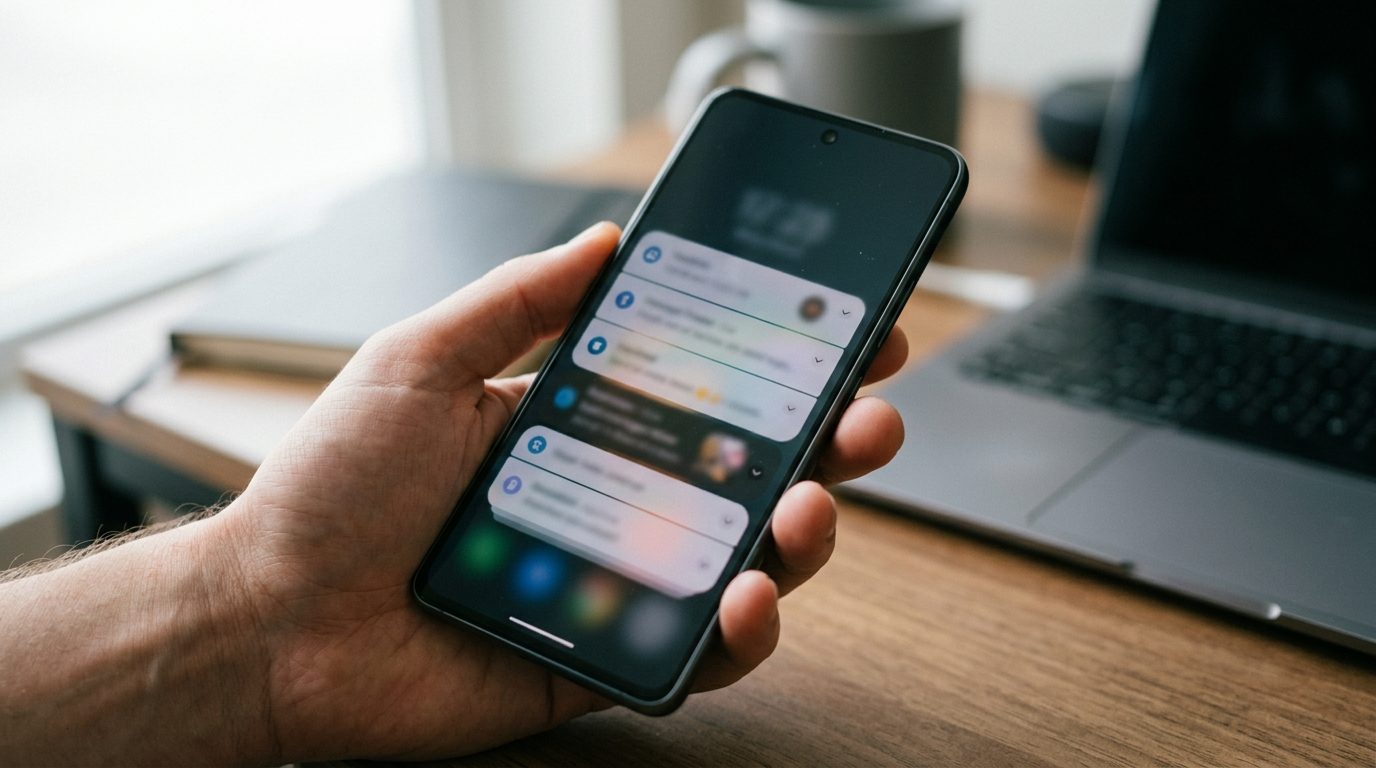 Six people reply YES. Two get the shift. If the other four hear nothing, they learn replying is pointless, and next week they stop.
Step 1: an instant acknowledgement. Set an auto-reply rule at /dashboard/auto-reply triggered by the keyword YES:
Got it, [First Name]. Checking now. You're not confirmed until you get the address and start time from us.
The auto-reply only acknowledges. It must never confirm, because the rule can't know whether the slots are already gone, and the last sentence protects you from a worker who drives to the site on an acknowledgement alone. Because the rule fires on every YES, reserve that word for claiming shifts and use a different word everywhere else in your templates.
Step 2: the confirmation, sent by a person. The coordinator takes the first qualified replies in the order they arrived and sends:
Confirmed: [Site], [Full Address], today 7am. Check in with [Supervisor] at [Gate/Door]. Bring steel toes and ID. Reply OK so I know you've got this.
The "Reply OK" matters. A confirmation nobody acknowledges is a likely no-show, and you want to know that at 6:05, not at 7:10.
Step 3: the close-out, to everyone else who said yes.
Thanks [First Name], that shift just filled. You're first in line for the next [Site] opening.
Save the confirmation and the close-out as quick replies, say /conf and /filled, so the coordinator types six characters instead of sixty.
On no reply at all: if the broadcast gets nothing in 15 minutes, widen the pool (workers cleared for a neighboring site, or the next skill tier down if the client allows it) and send once more. If that gets nothing in another 15 minutes, pick up the phone. A third broadcast to the same people for the same shift reads as nagging and earns opt-outs.
Night-before and morning-of reminders
 Shifts booked days ahead fail differently: the worker forgets, or takes another job and doesn't tell you. Two scheduled messages catch most of it.
The night before, around 6pm:
Reminder: you're on at [Site] tomorrow, [Start Time]. Reply OK to confirm, or NO if something's changed so I can cover it tonight.
Morning of, 90 minutes before start, only to people who didn't answer the night before:
Morning [First Name], still good for [Site] at [Start Time]? Reply OK so I can mark you in.
Schedule the evening message at the moment the shift is booked, using the composer's scheduled-send picker or the API's scheduled_at field, and it goes out whether or not anyone on the desk remembers. Pending sends sit at /dashboard/scheduled, where they can be edited or cancelled if the client changes the order.
A NO the night before is the best news a coordinator can get: it turns a 7:10 no-show into a 6pm broadcast with a whole evening to fill. Treat workers who say NO in good time better than silent no-shows, and tell your pool you do.
After-hours call-offs and who owns the inbox
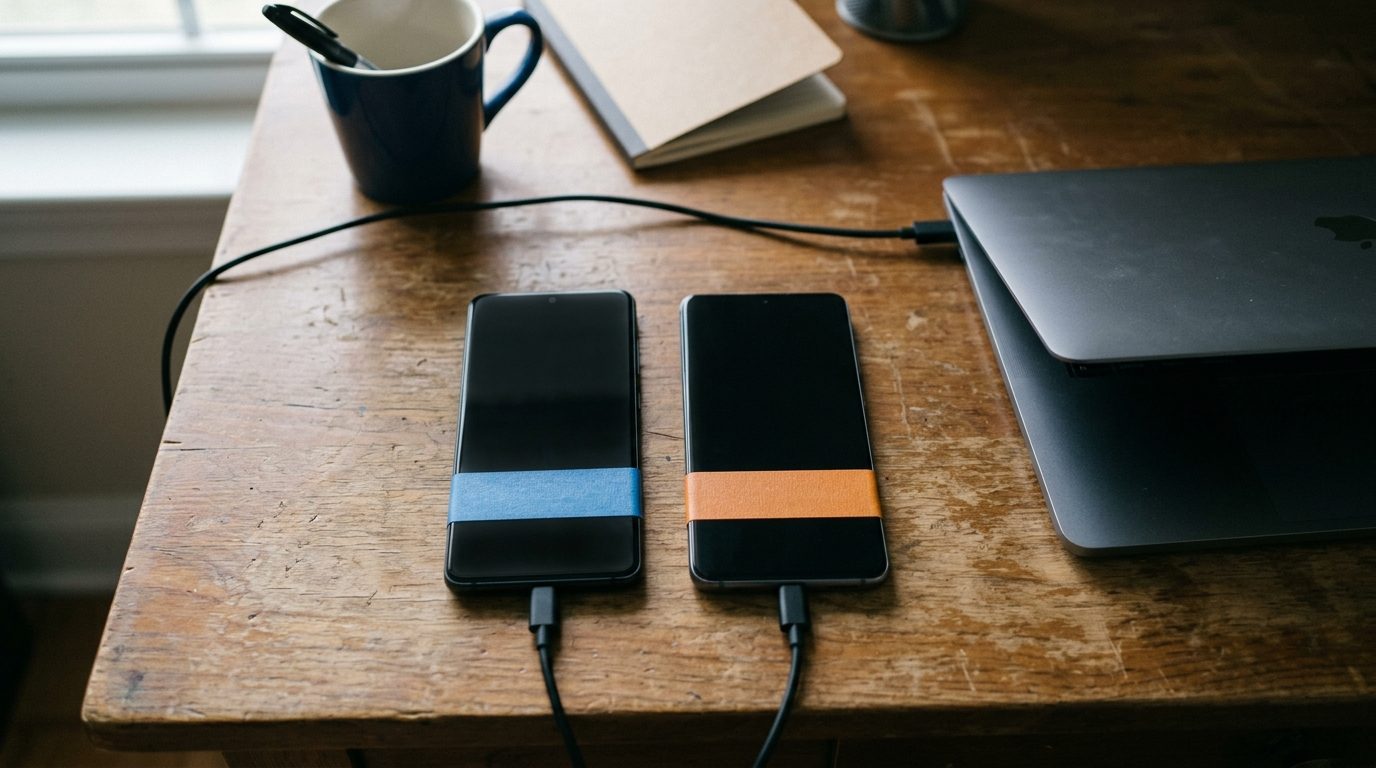 A call-off that sits unread in a browser tab until 8am is how the client finds out before you do.
Get call-offs in front of whoever is on call. Forwarding rules route inbound SMS to another phone number or to a Telegram channel. If your desk already runs an on-call group in Telegram, forward inbound there so a call-off is seen when it lands, by whoever has the pager that night.
Split the lines by job. One Android Texter account can pair several Android phones, each with its own number, and all of them land in the same web inbox. The usual staffing setup is two:
- The shift line, owned by coordinators. Open shifts, confirmations, reminders, call-offs, and nothing else.
- The recruiting line, owned by recruiters. Applicant follow-up, interview scheduling, chasing I-9 documents and certifications.
Kept apart, a text from the shift line always means work.
The quick reply set a shift desk actually uses:
/conf: the confirmation with address, supervisor and what to bring/filled: the close-out for late YES replies/cover: "Thanks for letting me know. Feel better, I'll get it covered."/pay: where to find pay stubs and who to contact about payroll/addr: the site address and parking note for your most common client
How to measure it
Four numbers tell you whether the shift line is working. Pull them from the inbox by hand, or register a webhook for the message.sent and message.received events and timestamp each one in your own sheet.
- Time to fill: broadcast sent to confirmation sent. The number your client cares about.
- Reply rate by tag: a falling rate means the pool is going stale.
- No-show rate on confirmed shifts: what the night-before reminder is there to move.
- Opt-outs per broadcast: a spike means you're sending too wide or too often.
Consent, STOP and what the rules change
Collect consent to receive shift texts in the onboarding packet, next to the mobile number, and keep it. The TCPA applies to these texts exactly as it would through any other provider, and Android Texter does nothing to change that.
When a worker replies STOP, stop. Under the FCC's rule at 47 CFR 64.1200(a)(10), a revocation made by any reasonable means, including replies such as "stop," "quit," "cancel" or "unsubscribe," has to be honored within a reasonable time of no more than ten business days, and paragraph (a)(12) permits one confirmation text. Android Texter suppresses a number automatically when it replies STOP, UNSUBSCRIBE, CANCEL, END or QUIT. A worker who writes "take me off this" has opted out too, so the coordinator has to catch the ones a keyword will miss. We covered the detail in what actually counts as STOP under the TCPA.
A worker who opts out of texts hasn't necessarily quit. Note it and call them when work comes up.
When a registered provider is the better fit
Staffing isn't a restricted category, and an agency can usually get an A2P campaign approved. If you send thousands of shift texts a day across many branches, or your ATS already texts through a registered provider that works, stay on it.
Android Texter fits the other agency: a branch or a small desk sending moderate volume, that wants its shift line to be a real number workers recognize, without brand registration, campaign vetting or per-message pricing. The planning figure we give high-volume senders is roughly 100 to 200 sends per handset per day. If your broadcasts regularly go past that, pair a second phone and split the pool, or take a hard look at a registered provider.
Frequently Asked Questions
What should a shift fill text message say?
The job, the date and hours, the site and town, the pay rate, and a single reply instruction, in that order and in one message. Put the essentials in the first line, because workers decide from the lock-screen preview. Hold the full address and check-in details for the confirmation, so they only go to the people who actually got the shift.
How many workers should get a shift broadcast?
Size it to the gap. For one or two slots, 20 to 40 qualified people usually fills it within minutes. Broadcasting to your whole list means most recipients get a "filled" message, and repeated misses teach workers to ignore you. If nobody answers in 15 minutes, widen the pool and send once more before you pick up the phone.
What do I do when more people reply YES than I have slots?
Confirm the first qualified replies in the order they arrived, then send everyone else a short close-out saying the shift filled and they're first in line next time. An auto-reply acknowledgement covers the minute in between. Silence is what costs you: workers who hear nothing after a YES stop replying to the next broadcast.
Can I keep texting a worker who replied STOP?
No. Once a worker revokes consent, shift texts stop, and the FCC's rule requires the revocation to be honored within ten business days at most. Android Texter suppresses the number automatically on STOP and the other standard keywords, but a free-text request like "don't text me" counts too. Note it on their record and reach them by phone for work.
Run your shift line from a phone you already own
If your desk still fills shifts by calling down a list, or pays for a texting platform built for an agency ten times your size, Android Texter turns an Android phone into a shift line with a shared web inbox, scheduled reminders, auto-replies and quick replies, and no campaign registration to wait on. Pair a phone, tag your pool, and send tomorrow morning's broadcast from it.