
You run lead gen for six clients: a roofer, a mortgage broker, two insurance agents, a med spa and a personal injury intake desk. Each wants new leads texted inside a minute and a report on the 1st, and none wants to hear that another client's bad list got the shared number filtered last Tuesday. Running SMS for multiple clients from one sender is how that happens. This is the setup and the weekly routine we would use instead: one Android handset per client, one dashboard, and a clear owner for every reply.
Why each client gets its own line
Carrier filtering judges a sending number by what comes out of it. If the roofer's purchased list produces a wave of "who is this" replies and wrong numbers, that history attaches to the line that sent it. On a shared number, the insurance agent's warm renewal leads pay for it.
Android Texter pairs multiple Android phones to one account, and each phone appears as its own device with its own friendly name and phone number. Give each client a handset and a SIM, and each client gets a separate line and a separate reputation. One client's list cannot damage another's because their messages never leave the same phone.
Each handset is also subject to the carrier's personal-line velocity limits. Our working figure is roughly 100-200 sends per handset per day, so a client who needs more needs a second handset. Have that pricing conversation at onboarding.
Setting up a new client line

- Get the number approved. The client should know which number is texting their leads, and ideally save it in their own phone. If they want to keep it when they leave you, agree that in writing now.
- Pair the handset. Open
/dashboard/devices, generate the QR code, and scan it with the Android Texter app on the client's phone. The QR carries a single-use, short-lived token, so do it with the phone in hand. - Name the device after the client, something like
Ridgeline Roofing. Your team will read it dozens of times a day. - Tag the contacts. Import or upsert each client's leads with a client tag. Contacts support tags, and the Zapier
Create or Update Contactaction unions tags instead of overwriting them, so a lead that belongs to two campaigns for the same client keeps both. - Pin every send to the device. This is the step agencies skip. The send API accepts a
device_id, and if you leave it out the message auto-routes to the first online device. On a six-client account that means the roofer's lead might get a text from the med spa's number. Put thedevice_idin every API call, every Zap's "Send From Device" field, and every broadcast.
The lead delivery playbook and the speed-to-lead auto-reply guide cover those two messages in detail. This article is about running the portfolio around them.
Routing replies to the person who owns them
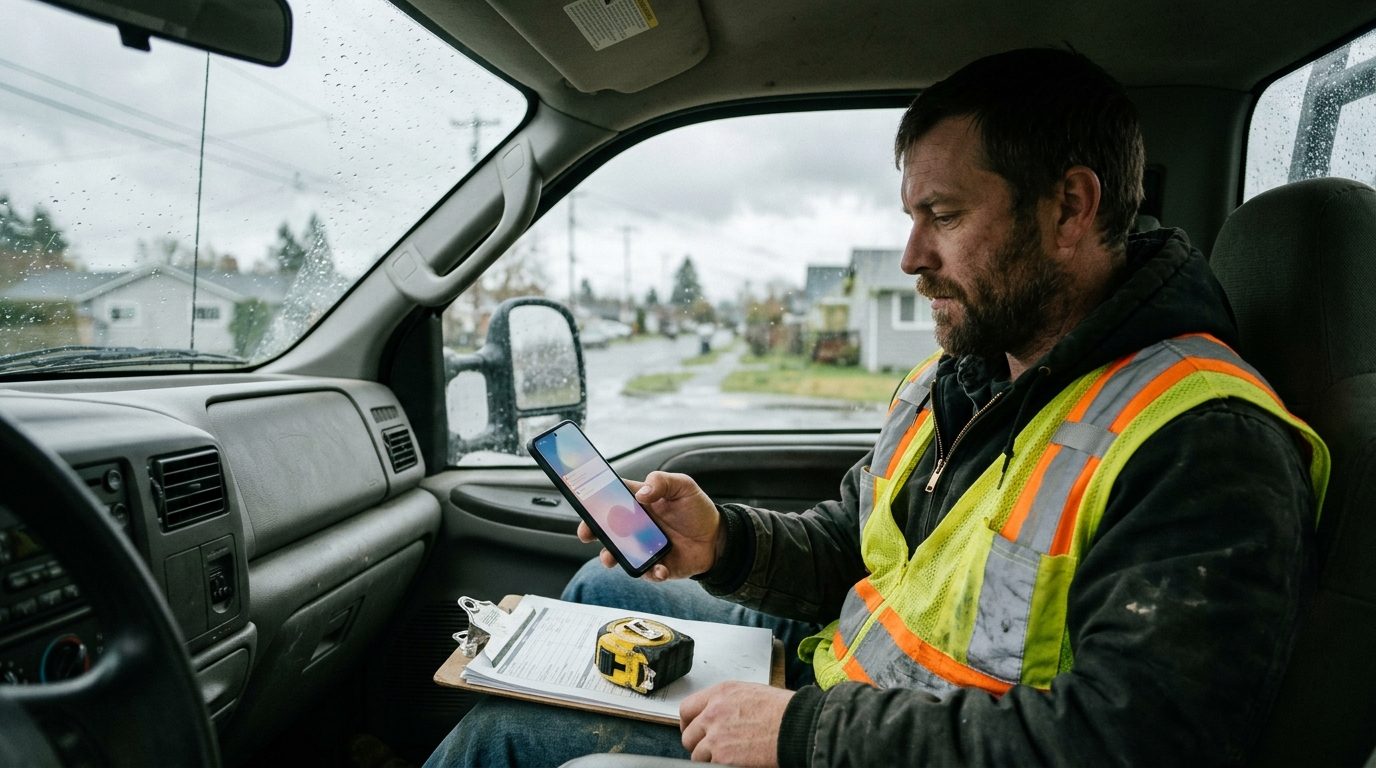 Replies from every handset land in the same dashboard inbox. That is the convenience and the risk: a mortgage lead's reply, read by whoever handles the med spa, gets a med spa answer.
Decide ownership by client, not by whoever is free. Then make the routing automatic:
- Webhooks. Register an HTTPS endpoint with
POST /api/v1/webhooksformessage.received. In the Zapier app, theNew Inbound Messagetrigger fires instantly and includesdevice_idanddevice_name, so a Zap can filter on the device and post the reply into that client's Slack channel or assign it to that account manager. - Forwarding rules. SMS forwarding rules route inbound messages that match a pattern to another phone number or a Telegram channel. Useful when a client wants hot replies on their own phone.
- Quick replies with a client prefix. Quick replies are slash shortcuts that expand to canned text, and they track usage. Prefix them by client (
/roof-book,/mort-docs,/spa-price) so nobody sends the wrong client's booking link, and so the usage counts tell you which answers each client actually needs.
The agency's week
Monday morning: list intake. Every new list for every client comes in on Monday. Check the consent source for each one (more on that below), run it through carrier and landline detection with the Landline Remover integration, tag it by client and load it. Midweek lists wait unless the client pays for real-time leads.
Daily, 9:00, 1:00 and 4:30: inbox triage. Each account manager clears their clients' threads three times a day. Hot replies (asks a price, gives a time) reach the client within the hour. Questions get a quick reply. Anything angry, confused or legal goes to a senior person.
Tuesday to Thursday: outbound. Schedule follow-up cadences with the scheduled-send picker or the API's scheduled_at field, staged so each handset's day looks like a busy person's day, not a single burst at 9:00. Send in the lead's local time zone. The API takes RFC 3339 timestamps, so time zones are explicit.
Friday: handoffs and cleanup. Close or hand off every open thread. Review /dashboard/scheduled for anything that should be cancelled because the lead already booked. Pull the week's opt-outs into each client's suppression list.
Message templates, with the cadence around them
Each template goes out from the client's handset, names the client's business (never the agency's), and gets the client's approval once.
1. First touch on a new form lead Trigger: form submission, sent automatically within a minute.
Hi {{first_name|there}}, this is Dana with Ridgeline Roofing. Got your request for a roof inspection. Is tomorrow or Thursday better for a quick look? Reply STOP to opt out.
No reply: wait 24 hours, then send template 2.
2. Day-one nudge Trigger: no reply 24 hours after template 1, sent between 10:00 and 2:00 local time.
Hi {{first_name|there}}, Dana at Ridgeline again. Still happy to get someone out for that inspection. Mornings or afternoons?
No reply: wait 48 hours, then send template 3.
3. The last ask Trigger: no reply 72 hours after template 1.
Last one from me, {{first_name|there}}. If the roof's sorted, no problem. If you still want the inspection, just reply with a day and I'll book it.
No reply: stop. Mark the lead cold and report it as "texted, no response." A fourth message mostly costs the line goodwill.
4. Handoff to the client Trigger: a lead replies with a time, a question about price, or a request to call. Sent from your team to the client's own phone.
New hot lead for Ridgeline: Sam Ortiz, 412 Elm St, wants inspection Thu AM. Asked about storm damage cover. Want us to book it, or will you call?
No acknowledgment from the client in an hour: call the client.
5. Opt-out confirmation Trigger: reply of STOP, QUIT, END, CANCEL, UNSUBSCRIBE or similar. Set as an auto-reply rule on the keyword.
You're unsubscribed from Ridgeline Roofing texts and won't hear from us again.
Then add the number to that client's suppression list the same day. The auto-reply confirms the opt-out. It does not stop future sends; that part is yours (see below).
The month-end report the client actually reads
 The report that keeps a client answers four questions: how many leads did you text, how many replied, how fast, and how many reached me.
Build it from your own log rather than from screenshots. Subscribe a webhook to both message.sent and message.received and write every event to a sheet or database with the device_id, phone number and timestamp. Because each client has their own handset, splitting the month by client is one filter. From that log you can show:
- Leads texted and leads that replied, as a reply rate
- Median time from form submission to first text
- Hot leads handed off, with the date and time of each handoff
- Opt-outs for the month
Report what was sent and what came back, not a delivery rate you cannot measure.
Consent is per client, and so are opt-outs
Android Texter routes person-to-person SMS from a real handset, which keeps it outside the A2P 10DLC carrier registration regime. It does nothing to the TCPA, which still requires prior express consent for marketing texts, and that consent is yours and your client's to collect and keep.
Two points matter for an agency specifically. First, the FCC's "one-to-one" consent rule, which would have required consent to name a single seller, was vacated by the Eleventh Circuit on January 24, 2025 in Insurance Marketing Coalition v. FCC (summary from Wiley). That did not make consent transferable between clients. Keep each client's list on that client's handset and never move a lead across. Our post on TCPA consent for purchased leads covers what proof to keep.
Second, opt-outs. FCC rules effective April 11, 2025 require revocation requests made by any reasonable means to be honored within ten business days. Android Texter does not suppress opt-outs automatically, and nothing in the send path checks a prior STOP. Keep a suppression list per client and check it before every scheduled send and broadcast. What counts as STOP is covered separately. None of this is legal advice; your clients' counsel should sign off on their consent language.
When this setup is the wrong answer
If a client is in an approved vertical, has a registered brand and sends tens of thousands of messages a month, a registered A2P provider will move that volume more cheaply than a shelf of handsets. Handsets also need power, a SIM plan and someone who notices when one goes offline. The handset model earns its place for clients the aggregators refuse or throttle, for clients who want replies from a real local number, and for moderate volume where per-client separation matters more than raw throughput.
Frequently Asked Questions
Can one Android Texter account run SMS for several clients?
Yes. One account can pair multiple Android phones, and each shows up as a separate device with its own name and number. Give each client a handset, pin every send to that client's device_id, and all replies arrive in one dashboard inbox. Route them to the right account manager with a webhook or Zapier filter on the device.
What happens if I forget to set the device on a send?
The message auto-routes to the first online device on the account. On a multi-client account that can mean a lead gets texted from a different client's number, which confuses the lead and mixes the two clients' reputations. Set the device in every API call, every Zap and every broadcast, and check new automations for it before they go live.
How many messages can one client's handset send per day?
Each handset sends under the carrier's personal-line velocity rules, and our working figure is roughly 100-200 sends per handset per day. If a client needs more, add a second handset for that client. The API accepts broadcasts of up to 500 numbers per call, but the line's daily pace is the real limit.
Do I need a separate API key for each client?
No. API keys are per Android Texter user, sent as the X-API-Key header, and the separation between clients comes from the device_id on each send. If you want a client to have their own login and keys, give them their own Android Texter account instead, and keep their handset paired there.
Run each client on its own line
If you are juggling clients on one shared number, start with the client whose list worries you most and move them onto their own handset this week. Android Texter pairs as many Android phones as you have clients to one dashboard, with webhooks, scheduled sends and quick replies for each line.