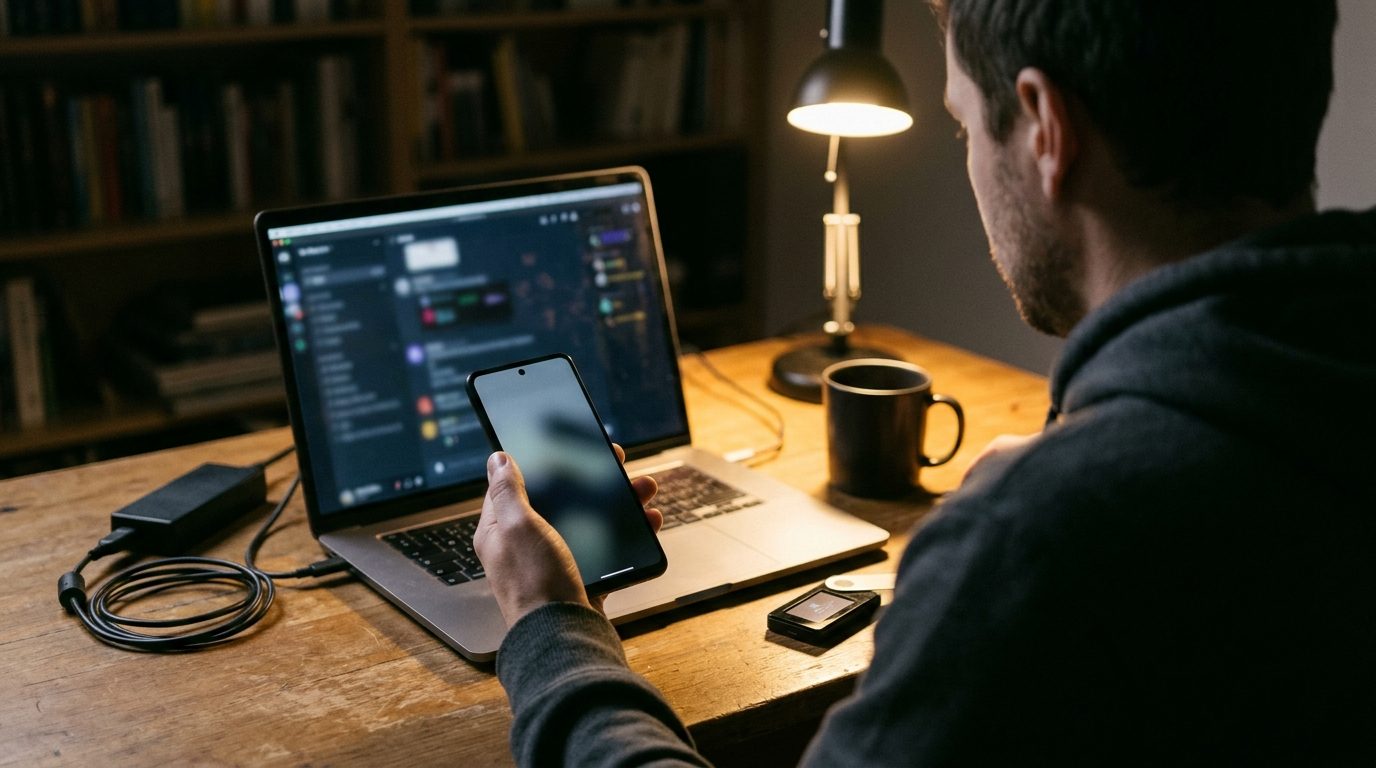
It is the morning after a breach, at your platform or at the biggest exchange in the industry. Your support line is filling with the same three questions: is my money safe, can I withdraw, and is this text from you real? Customers want an answer by text because that is where they already reach you. Scammers know it too, and they will be texting your customers within hours, pretending to be you.
This playbook covers the first 72 hours: what to send and when, how to make your real texts easy to tell from the fakes, and who owns the replies.
Why the Binance breach puts your customers in play
On October 30, Cointelegraph reported that TRM Labs attributed the roughly $6.3 billion Binance hack to North Korea's TraderTraitor group "with high confidence," and that investigator ZachXBT traced funds from the Binance and earlier Bitget hacks to the same address. According to AP's report, Binance temporarily suspended deposits and withdrawals while it ran security checks, said "user funds are safe," and said it would absorb the losses itself. The FBI tied the same group to the $1.5 billion Bybit theft in February 2025.
You do not need to be the exchange that got hit. Every big incident sets off a wave of "your account is frozen, verify here" texts aimed at anyone who holds crypto, and some of your customers will click before they ask.
So there are two playbooks here, and most operators need both:
- Your own incident. You paused something, and customers need to hear it from you first.
- Someone else's incident. Nothing happened to you, but your customers are now targets, and a short advisory from a number they know stops them clicking on a fake.
Write every text so it cannot be mistaken for a scam
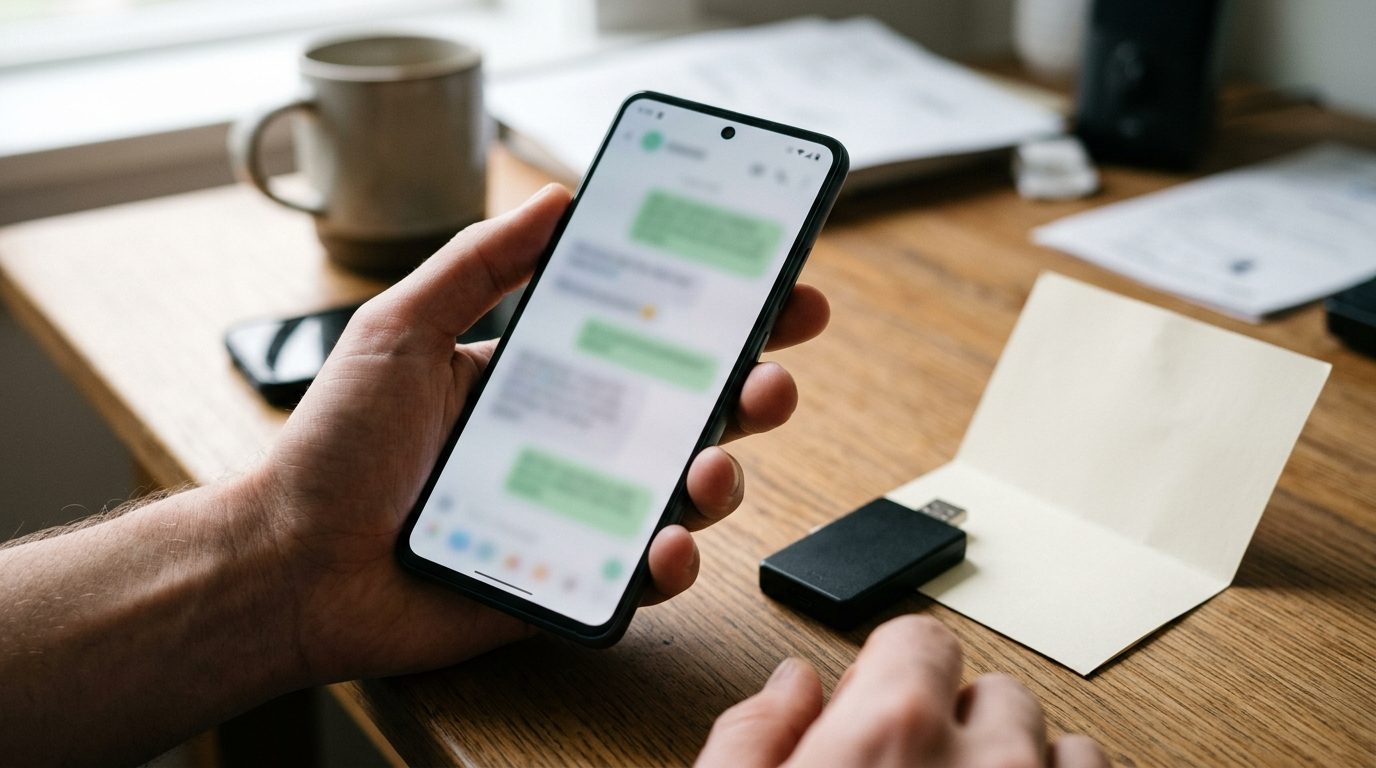 The FTC's consumer guidance on spam texts tells people that "legitimate companies won't ask for information about your account by text" and to contact the company "using a phone number or website you know is real." Your incident texts should agree with that advice word for word. Five rules:
- Send from the number customers already have. A brand-new number during a breach looks exactly like the attacker. If your support line has been texting customers for months, use that line and nothing else.
- No links in the first message. Tell customers to open the app or type your domain themselves. A link is the one thing a phishing text always has, so leaving it out is the easiest signal you can give.
- Say what you will never ask for. Seed phrase, private key, 2FA code, password, a transfer to a "safe wallet." Put it in writing early and repeat it.
- Sign with a person or a team name. "Dana, Support" reads like your desk. "Security Department" reads like a template.
- Use the same timestamp format every time. If every update says "Update 2 of today, 2:00 PM ET," a fake that breaks the pattern stands out.
The 72-hour message sequence
Times run from the moment you decide to tell customers. Never put more in a text than your status page says.
Hour 0 to 1: the first notice (your incident)
Trigger: you have paused withdrawals, deposits, or logins, and the status page is updated.
[Platform] Support: We've paused withdrawals while we investigate a security issue. Balances are not affected by the pause. Next update by 2:00 PM ET. We will never ask for your seed phrase, password or 2FA code. Check status in the app, not through links. Reply here with questions. Dana, Support
No speculation about cause, amount or blame. Customers will quote this back to you for weeks.
Hour 0 to 4: the advisory (someone else's incident)
Trigger: a major exchange is in the news and fake texts are circulating.
[Platform] Support: You may see texts claiming your account is locked after this week's exchange hack. We are not affected and haven't sent any such message. We never text links asking you to log in or verify. If you're unsure, reply here and a person will check it with you. Dana, Support
Send it once. Repeated, a warning becomes noise.
Every 4 to 8 hours: the scheduled update
Trigger: the clock, not the news. Queue them with the scheduled-send picker and edit each before it goes.
[Platform] Update 2, Thu 6:00 PM ET: Withdrawals are still paused. Deposits are working normally. Next update by 10:00 PM ET. Nothing is needed from you. We'll never ask for codes or keys. Dana, Support
Missing a promised update does more damage than having nothing new to say.
Anytime: the "is this really you?" reply
Trigger: a customer forwards a suspicious message or asks if a text came from you. Save this as a quick reply (for example /fake) so anyone on the desk can send it in seconds.
That message is not from us. Please don't click it or reply to it. You can forward it to 7726 to report it to your carrier. Your account is only reachable through our app or by typing [domain] yourself. Want me to check your account activity with you?
Forwarding to 7726 is the route the FTC recommends. Log every fake you are sent; it shows you what attackers are copying.
Resolution: the all-clear
Trigger: the service is restored and the status page says so.
[Platform] Support: Withdrawals are back on as of 3:15 PM ET. Some may take longer than usual while the queue clears. If yours hasn't arrived in [X] hours, reply here with the transaction time. Thanks for your patience. Dana, Support
Day 3: the follow-up to people who asked
Trigger: 48 hours after the all-clear, sent only to customers who wrote in during the incident.
Hi [first name], checking back on your question from Thursday. Did your withdrawal go through? If anything still looks off, reply and I'll pick it up today. Dana
Send it one at a time, not as a broadcast.
Who gets the texts, and how many you can actually send
A handset is a personal line, and each one comfortably handles around 100 to 200 sends a day before carrier velocity filters notice. That makes it the wrong channel for a 200,000-user blast; email, in-app banners and the status page do that job.
SMS covers the segment where a person-to-person text matters most:
- customers with a withdrawal pending when you paused
- high-balance and VIP accounts, who already expect to hear from someone by name
- anyone who has texted support in the last 90 days, since they already know the number
- customers who reply to the first notice, who get everything after it
Tag those segments in your contacts before the incident. With more than one Android phone paired to the account, you can split the broadcast across devices so each line stays inside a normal day's volume.
Who owns the inbox during the incident
 Replies spike after every scheduled update. Plan for the spike.
- One owner per shift. A single named person answers the SMS inbox. Everyone else sends questions they can't answer to that person, not to the customer.
- Mirror the inbox to where the team lives. Most crypto support teams already work in Telegram. A forwarding rule that copies every inbound SMS into the team's Telegram channel means engineering and compliance see what customers are saying without logging into another tool. We covered setup in Forward SMS to Telegram So Your Whole Team Sees It.
- Quick replies for the top five questions. Is my money safe, when do withdrawals resume, is this text real, will I be compensated, how do I check my balance. Write them once, get them approved, and use them as written, so nobody free-types a promise the company can't keep.
- An after-hours auto-reply. A keyword or sender rule that says "We've seen your message. Next update at 10:00 PM ET. A person will reply by 8 AM" is better than silence at 3 AM.
- An escalation word. Agree on one tag or phrase that means "this customer says funds moved without their action." Those go straight to the security lead, not into the queue.
What to do with silence and with anger
No reply to the first notice: normal. Most people read it and check the app. Don't chase it; the scheduled update is the follow-up.
No reply from a customer with a pending withdrawal: send one personal check after the all-clear, then leave it to email.
Angry replies: answer within the hour without arguing, and don't mention compensation unless you can quote the official statement exactly.
"Stop texting me": treat it as an opt-out, confirm it once, and take the number off every incident segment. An incident is not an exception.
Measuring it afterwards
 When things are calm, pull these from the inbox and the forwarding log:
- Time to first reply during each update spike
- Count of "is this real?" questions, and how many came in before your advisory compared with after it
- Forwarded fakes, with the wording and sender numbers, to shape next time's advisory
- Opt-outs during the incident, as a check on whether the cadence was too frequent
Rewrite the templates from this list while it is fresh.
Consent and opt-outs still apply in a crisis
An incident does not create permission to text people who never gave you their number for that purpose. Text the customers who opted in to support or account messages, keep the consent record, and honor every STOP. Android Texter does not suppress opt-outs automatically. An auto-reply rule can confirm a STOP, but keeping the suppression list and checking it before every broadcast is your job. Our guide to what counts as an SMS opt-out covers the keywords and timing. Anything touching compensation or securities should go past counsel first.
Frequently Asked Questions
Should a crypto platform text customers about a security breach?
Text the customers for whom a personal message matters: pending withdrawals, high balances, VIPs and anyone already talking to support. Use email, in-app notices and your status page for the full user base. SMS from a known number gets read fast, but it does not scale to a whole exchange and should never be the only place the notice appears.
How do I stop customers confusing my texts with phishing?
Send from the number they already know, leave links out of the first message, and say plainly that you will never ask for a seed phrase, password or 2FA code. Sign with a person's name and keep a consistent update format. Give customers a ready reply for suspected fakes that points them to report it to 7726.
How often should incident updates go out?
Every four to eight hours, at times you announce in advance, until the issue is resolved. The promise of the next update matters more than the content, so "No change, next update at 10 PM" is a good message. Missing a promised update creates more worried replies than sending a short one.
Can I send links in an incident update?
Avoid them in the first notice and in anti-phishing advisories, because a link is exactly what the fake messages carry. Later, once customers know the pattern of your updates, a link to your status page on a domain they recognise is reasonable. Even then, telling them to open the app is safer.
Have the playbook ready before you need it
The time to tag your segments, write the quick replies and set up Telegram forwarding is the quiet week before anything happens. Android Texter sends from your own Android phone on a number your customers already know, with scheduled updates, quick replies and a shared inbox in the browser. It keeps working when an aggregator's policy review would not.