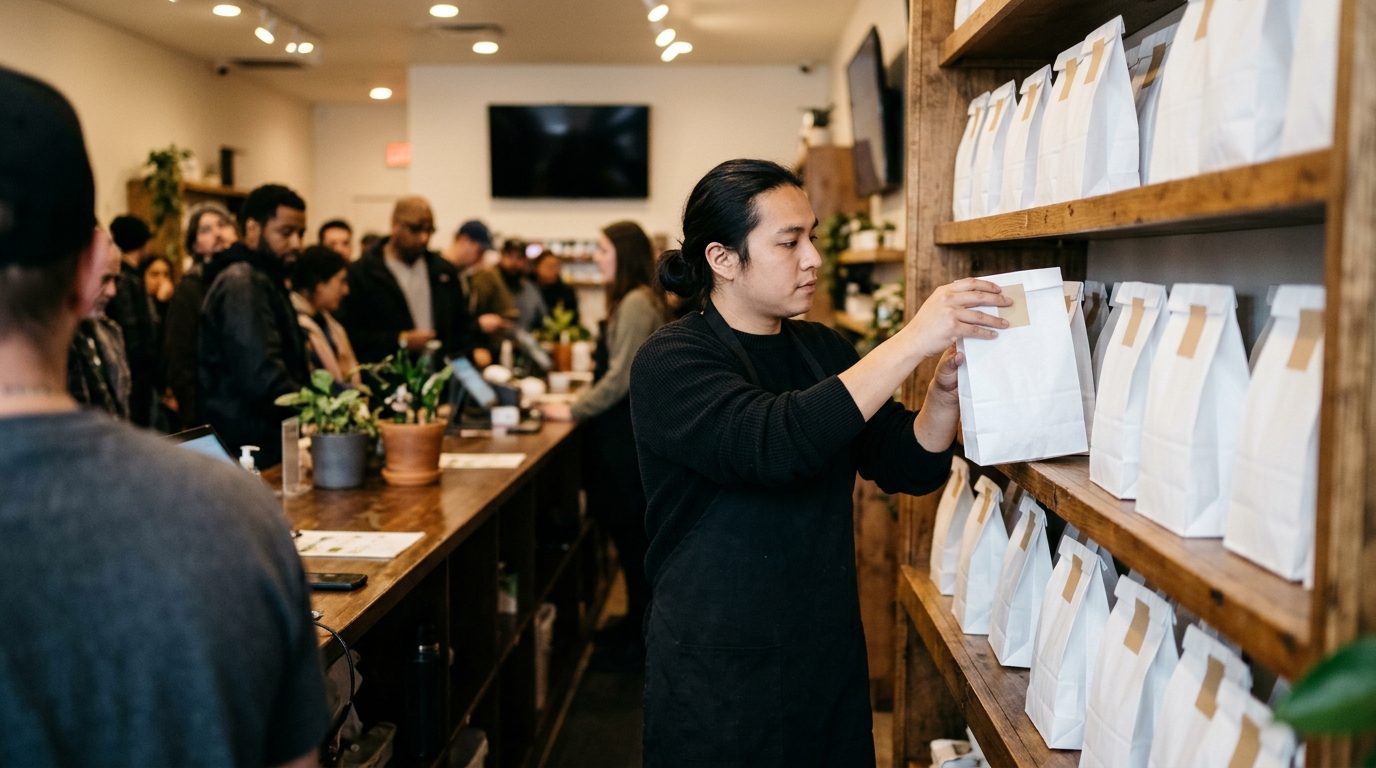
Green Wednesday is November 25 this year. By mid-afternoon the line reaches the door, the online order queue is three screens long, and a sealed bag has been sitting on the pickup shelf since 11 a.m. because the customer never heard it was ready.
Dispensary order ready texts fix that when they are sent on time, from a number people can answer, with somebody reading the replies. Here is the schedule and the wording for the week, from Monday's preorder announcement to Friday's unclaimed bags.
Why Pickup Orders Decide Green Wednesday
The day is big enough to plan a week around. Dutchie reported that average dispensary sales rose 91% on November 27, 2024, with the average basket up 9% to $70.80 (Dutchie press release, December 2024). Weedmaps saw Green Wednesday drive 46% more orders and 53% more revenue than the Wednesday before it in 2024. In Massachusetts, retailers grossed $7.8 million on Green Wednesday 2025, and then sold a record $745,000 on Thanksgiving Day itself, according to the Cannabis Control Commission.
A store cannot push that much extra volume through the same registers. It has to move through orders that were built and bagged before the customer walked in. MJBizDaily's holiday prep piece this week made a related point: a good fourth quarter takes more than aggressive discounting. The discount gets the order placed, and the pickup flow decides how Wednesday goes.
The Two-Message Pattern: Confirmed, Then Ready
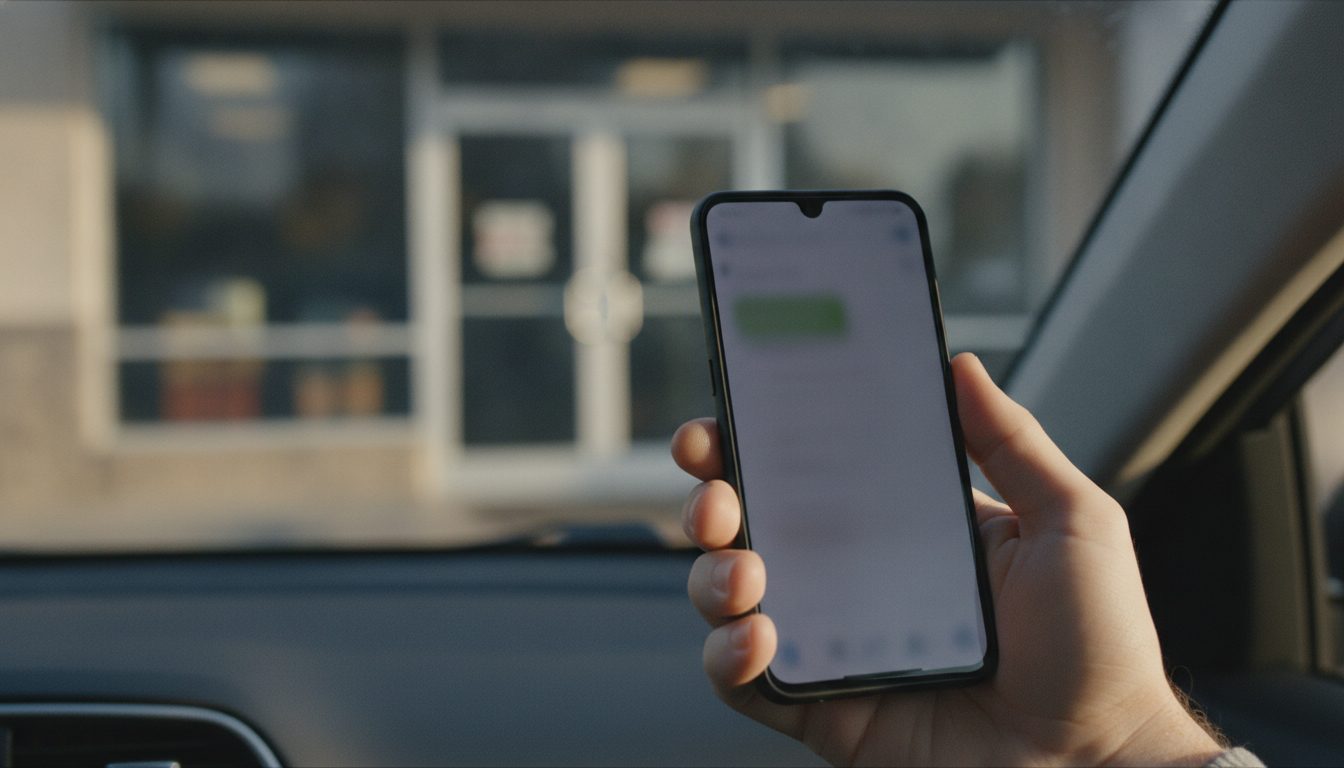 Every pickup order gets two texts.
Message 1: the confirmation. Trigger: staff accept the order. Send within five minutes. It sets a realistic window so the customer does not arrive before the bag exists.
Hi Dana, it's Riverside Cannabis. We have your order for pickup today. It will be packed by about 2:30. We'll text you the moment it's ready, so no need to come before then. Bring your ID.
Message 2: the ready text. Trigger: the bag is sealed and on the pickup shelf, and never earlier. It tells the customer exactly where to go.
Dana, your Riverside order is ready. Skip the main line and go to the pickup counter on the left. We're open until 9 tonight. Reply here if you're running late and we'll hold it.
Your ecommerce platform may already send a ready notice. Dutchie's release notes say consumers receive SMS notifications when an order is ready for pickup or delivery. BLAZE sends its ready-for-pickup SMS when staff update the tracking status to Packaged, so it only goes out if someone remembers to change the status during the rush.
Before Wednesday, test two things with your own phone. First, place an order and see whether the ready text arrives at all. Business texts sent through an aggregator pass through carrier content filtering, and cannabis is one of the categories those filters are built to catch. We covered the mechanism in why carriers block dispensary texts. Second, reply to the notification and find out where your reply lands. If nobody on your team can see it, "running late, can you hold it?" goes unanswered.
When either test fails, the fallback is to send both messages from a phone the store owns. Android Texter does this from an Android handset on a normal carrier line, with the conversation in a web inbox the pickup station keeps open in a browser. The customer sees a regular 10-digit number and can text it back.
The Preorder Announcement: Monday and Tuesday
Pickup only relieves the counter if orders come in early. Announce on Monday, to customers who opted in to marketing texts.
Message 3: the announcement. Trigger: Monday, November 23, late afternoon.
Riverside Cannabis: Green Wednesday preorders are open. Order online by Tuesday night, choose a pickup time, and use the pickup counter instead of the line. Menu: [link]. Reply STOP to opt out.
On no reply, do nothing on Monday. As orders arrive, tag those contacts (something like gw-ordered) so Tuesday's reminder goes only to people who have not ordered yet.
Message 4: the Tuesday reminder. Trigger: Tuesday around 4 p.m., untagged contacts only.
Riverside here. Last call for Green Wednesday preorders: order tonight and pick up tomorrow without the wait. Morning pickup times are the quietest. [link] Reply STOP to opt out.
Then stop. Two marketing texts is the ceiling for this week.
A note on volume. A handset on a personal line is governed by the carrier's velocity rules for personal lines, and a single phone comfortably handles roughly 100 to 200 sends a day. A list bigger than that should start on Saturday and be spread across days, or be split across a second paired handset. The detail is in our post on SMS sending limits per phone number.
Who Answers Replies During the Rush
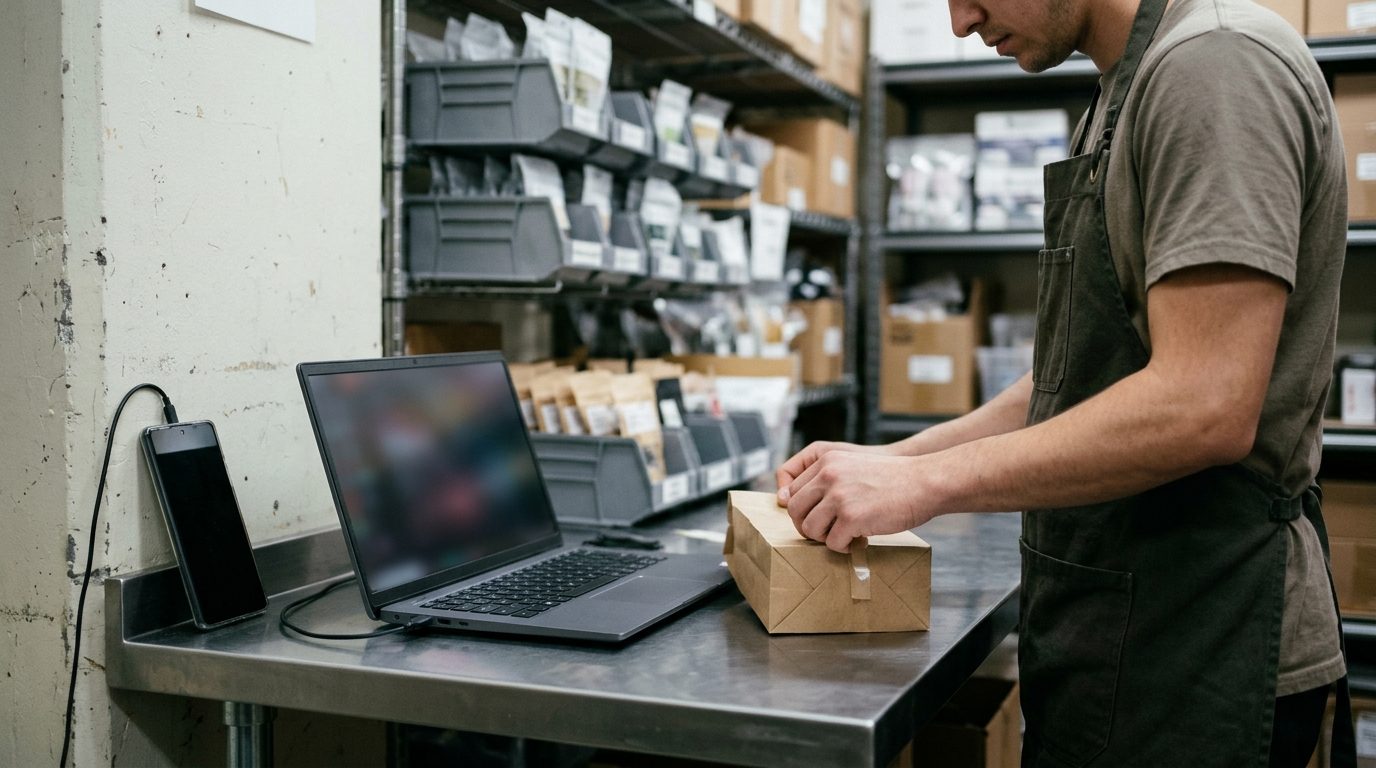 Assign the inbox to one named person per shift, and make it the person packing orders at the pickup station. They are the only one who knows whether the bag is done.
If you can, pair two handsets to the same account: one for the marketing list and one for pickup. Both land in one inbox, and each send can be pinned to a device, so replies to Monday's announcement do not bury a customer saying they are parked outside.
Build the quick replies before Wednesday. In Android Texter these are slash shortcuts that expand to a canned response in the composer:
/ready: the ready text above, with the name edited in/late: "No problem. We'll hold it at the pickup counter until close tonight."/id: "Yes, we need a valid government-issued ID showing you're 21 or older, every visit."/add: "We can't add to a packed order by text. Tell the pickup counter when you arrive and they'll ring the extra items with it."/hours: Wednesday, Thursday and Friday hours in one line
Message 5: the substitution text. Trigger: the packer finds an item is out of stock. Send immediately and keep packing other orders.
Dana, it's Riverside. We just sold out of one item in your order. We can swap in a similar one at the same price or leave it off. Reply SWAP or REMOVE. If we don't hear back in 15 minutes we'll leave it off and pack the rest.
The 15-minute default keeps one unanswered question from stalling the queue.
The No-Show Follow-Up
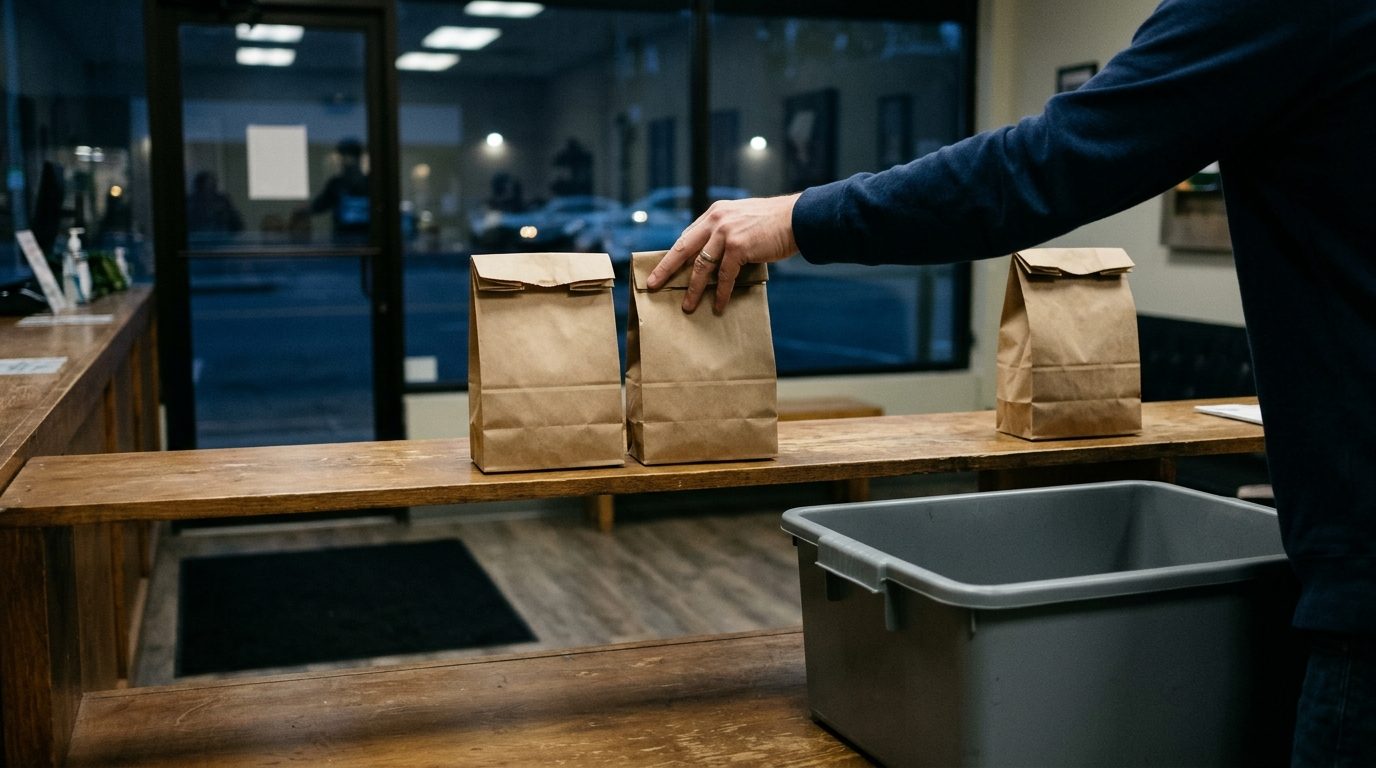 Bags still on the shelf at 7 p.m. get one nudge that evening and one message the next open morning.
Message 6: the evening nudge. Trigger: order still unclaimed 90 minutes before close.
Dana, your Riverside order is still waiting at the pickup counter. We close at 9. Want us to hold it for tomorrow? Reply HOLD and it's yours until noon on our next open day.
On HOLD, move the bag to a hold bin. On no reply and no pickup, schedule the next message before you leave.
Message 7: the release notice. Trigger: the next open morning, about an hour after opening. Schedule it the night before so it does not depend on whoever opens.
Hi Dana, Riverside Cannabis. We held your order overnight. We'll keep it until noon today, then return the items to the shelf. Reply here if you still want it.
After that, return the items to stock and send nothing further about that order. Match the hold time to your written policy and your state's rules on reserved product.
Setting It Up Before Wednesday
A manager can do this in one sitting on Saturday or Sunday.
- Install the Android Texter app on the store's Android handset and pair it by scanning the QR code on the dashboard's devices page. Leave the phone on a charger with good signal.
- Open the dashboard in a browser at the pickup station.
- Import contacts and tag the customers who opted in to marketing texts.
- Create the quick replies above, plus an auto-reply rule for the keyword HOURS.
- Schedule Message 3 for Monday afternoon and Message 4 for Tuesday.
- Place a test order and run both pickup messages to a staff phone.
The manual flow needs no integration: the packer seals a bag, opens the customer's thread, types /ready, and sends. If your POS or ecommerce platform can fire a webhook or a Zapier trigger when an order changes status, the Android Texter REST API or the Send SMS action in the Zapier app can send the same message automatically.
Consent, Age and Opt-Outs
Sending from a handset keeps the message out of A2P 10DLC carrier vetting. The law is unchanged. The Telephone Consumer Protection Act and the FCC rules under it still decide who you may text, and the statute allows damages of $500 per violation, up to $1,500 if willful.
In practice, for this week:
- Messages 3 and 4 are marketing. Send them only to people who agreed to marketing texts from you, and keep the record of when and how they agreed.
- Pickup messages go to the number the customer gave with that order, about that order, and nothing else. Do not add a promo to a ready text.
- Android Texter does not maintain a suppression list for you. An auto-reply rule can confirm a STOP, but removing that number from every future send is your job. Do it the same day.
- Build the list only from customers whose age you have verified, and check your state's cannabis advertising rules before you put prices or discounts in a text.
None of this is legal advice. Our post on what counts as an opt-out covers the STOP mechanics in more detail.
What to Count on Friday
Three numbers tell you whether to repeat this in December:
- Pickup orders placed against pickup orders collected
- Unclaimed bags at Wednesday close, and how many came back after Message 6 or 7
- STOP replies to Messages 3 and 4
Quick replies carry a usage count, so you can also see which questions came up most and answer them in Message 1 next time.
Frequently Asked Questions
What should a dispensary order ready text say?
It should include the customer's first name, the store name, a statement that the order is ready, where to go on arrival, closing time, and a way to reply. Leave out product names and promotions. The customer needs to know the bag exists, where the pickup counter is, and how late they can come.
When should the ready text be sent?
Send it when the bag is sealed and on the pickup shelf, and no sooner. A ready text sent when the order is accepted brings customers in before the bag is packed and puts them back in the line you were trying to shorten. Use a separate confirmation text at acceptance to give an estimated time.
How long should a dispensary hold an unclaimed pickup order?
That depends on your own policy and your state's rules for reserved or prepaid product. A workable pattern for Green Wednesday is to hold through close, offer an extension to noon on the next open day, send one release notice that morning, then restock. Whatever period you choose, put the exact time in the text.
Do I need consent to text a customer that their order is ready?
Consent is your responsibility under the TCPA, and the answer depends on what the customer agreed to when they gave you the number. Keep pickup texts strictly about the order they placed, and never use that number for promotions unless the customer separately opted in to marketing texts. Ask your attorney about your checkout wording.
Get the Pickup Counter Ready Before Wednesday
Write the seven messages this weekend, name the person who owns the inbox, and run one test order on Monday.
If your current notifications are not arriving, or customers cannot reply to them, Android Texter sends from your own Android phone with a shared web inbox, quick replies and scheduled sends. Pair a handset and send your first ready text on Monday.