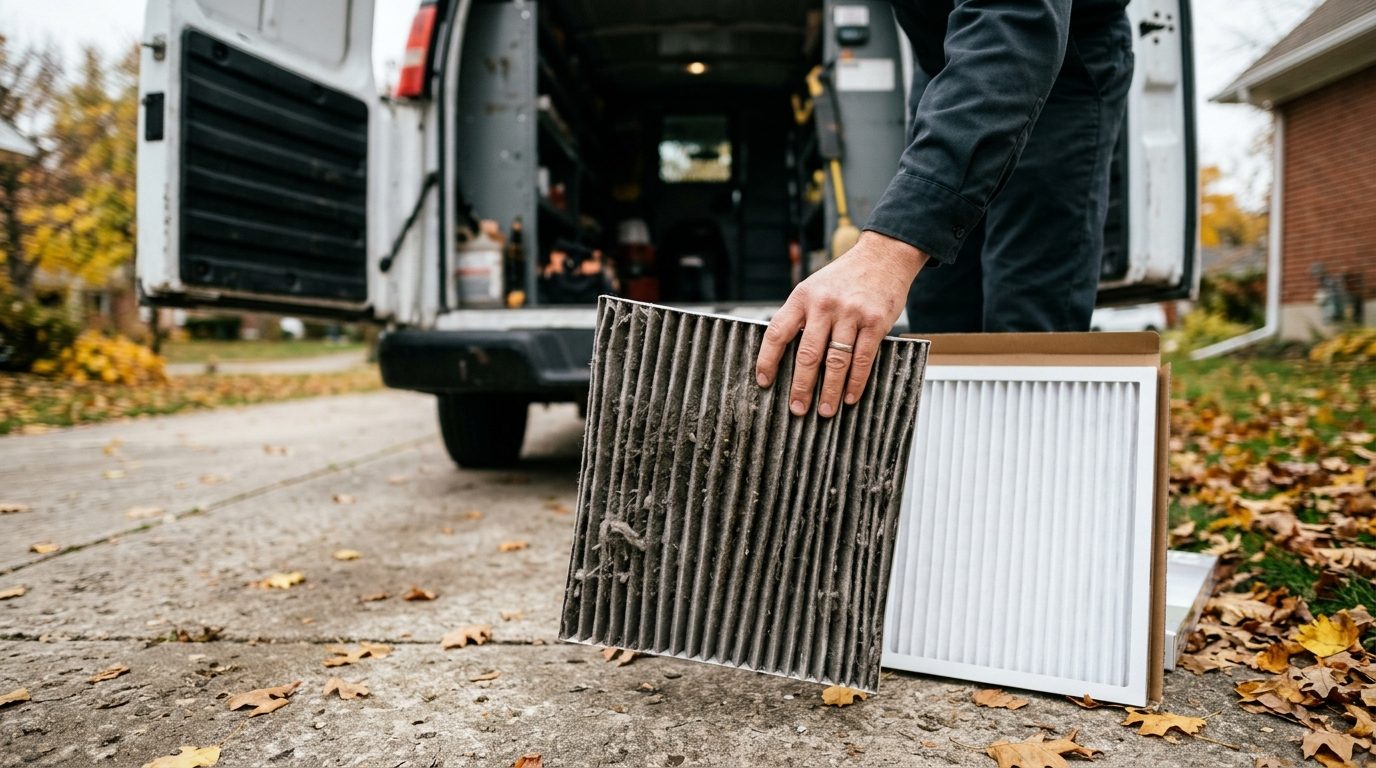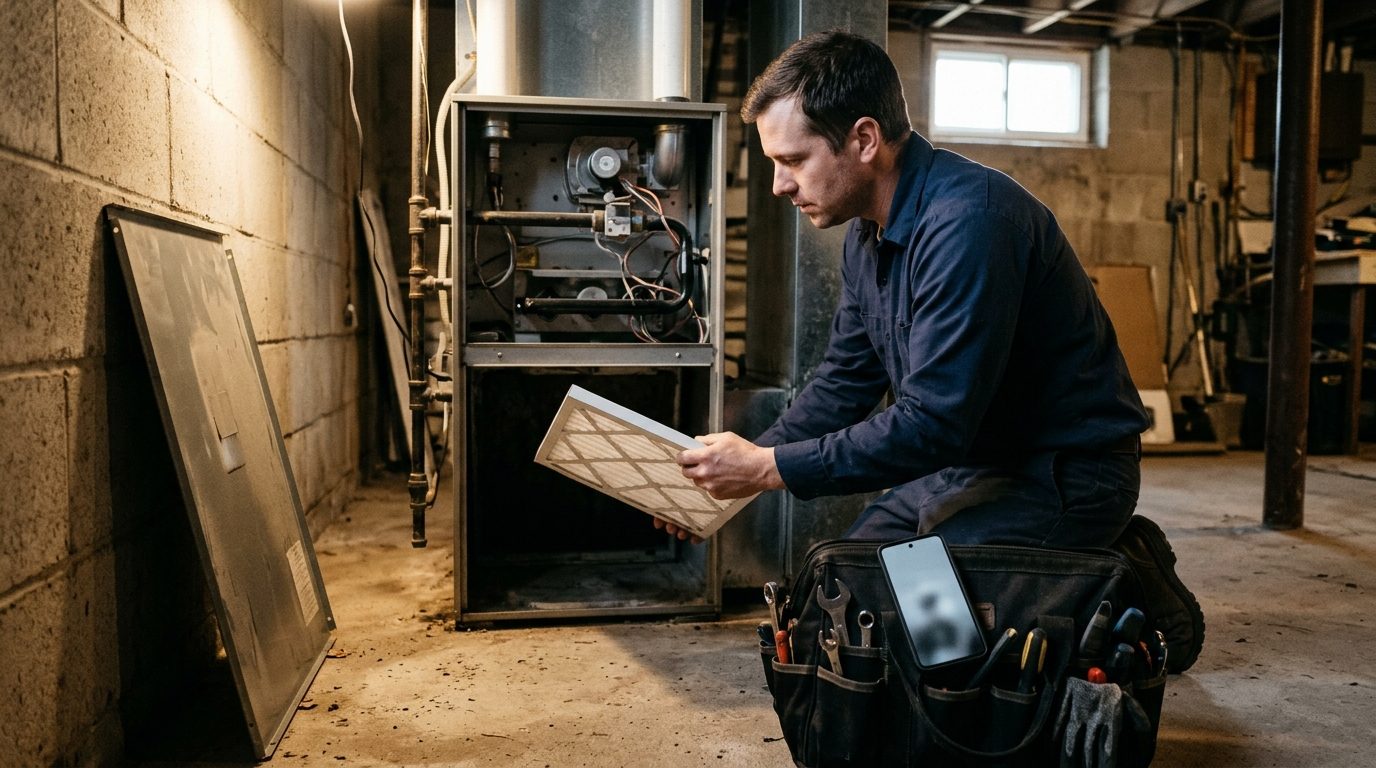
The first cold morning of November fills an HVAC board with no-heat calls, and the furnace tune-ups you meant to book in October suddenly have nowhere to go. The next three weeks decide whether your agreement members and past tune-up customers get seen on your schedule or get crushed by emergency work.
Here is how to work that list by text: the segments, the messages, the waits, who answers, and what to do with silence.
Why the tune-up list needs working now
ENERGY STAR's maintenance checklist tells homeowners to have a contractor check the system every year, cooling in the spring and heating in the fall, and the Department of Energy's home energy checklist says the same about getting a furnace or heat pump professionally maintained each year. Most customers still will not call to book it. They wait until the heat pump starts short-cycling, and then it is a repair call at the worst time of year.
The tune-up text exists to close that gap. Calling 400 past customers takes a CSR most of a week, mostly to voicemail. A reply of "Thursday works" takes the customer five seconds.
Split the list before you send anything
 One blast to everyone gets you more replies than open slots. These three groups want different messages.
Segment A: maintenance agreement members due a visit. They have already paid, so the message is a scheduling notice. They go first, because an unused agreement visit is the fastest way to lose the renewal.
Segment B: past tune-up customers with no agreement. They paid per visit last year or the year before. They want a reminder and a price, and they are your best agreement prospects.
Segment C: last winter's repair-only customers. You fixed their furnace in January and they never booked maintenance. Fewer replies, but the system has already failed once.
In the Android Texter dashboard, put each group under a tag on the contact (tuneup-agreement, tuneup-past, tuneup-repair) so you can broadcast to one tag at a time and filter the inbox later. If the list came from an old spreadsheet, run it through the Landline Remover integration first so you are not texting home landlines.
The tune-up sequence, message by message
Swap in your own names, prices and windows, and keep each one short enough to read in a lock-screen preview.
Message 1: the due notice (day 0)
Segment A, sent first:
Hi {first name}, it's Dana at {Company} Heating & Air. Your furnace check under your maintenance plan is due. I have Tue 11/18 morning or Thu 11/20 afternoon open. Reply with the one that works, or a better day. Reply STOP to opt out.
Segment B, sent two or three days after A, once you can see how many slots A has taken:
Hi {first name}, it's Dana at {Company}. We did your furnace tune-up last fall. Want to get this year's on the schedule before the cold settles in? It's ${price}. Reply with a day that suits you and I'll offer a time. Reply STOP to opt out.
Two specific slots beat "let us know when works." A customer can answer "Tuesday" without thinking, and you fill the board in the order you choose. Sign it with a person's name, because a person answers.
Message 2: the nudge (day 3, no reply)
Hi {first name}, Dana again from {Company}. Still holding a couple of furnace check slots this month. Want one? A quick yes or no is fine.
Wait three days. People read the first text and mean to answer it. The nudge asks for the smallest possible reply. If they answer "no," thank them, tag the contact, and stop.
Message 3: the confirmation and day-before reminder (on booking)
The moment someone books, send a confirmation, and schedule the reminder straight away so nobody has to remember it:
You're booked: furnace check Tue 11/18, arrival window 8 to 11am. The tech will text when they're on the way. Please clear a path to the furnace and filter. Reply here to reschedule.
Then, scheduled for 4pm the day before:
Reminder: {Company} is coming tomorrow between 8 and 11am for your furnace check. Reply C to confirm or R to reschedule.
The scheduled-send picker in the composer handles this, and scheduled messages can be viewed, edited or cancelled at /dashboard/scheduled if the customer moves the appointment. The on-my-way text is in our contractor service week playbook.
Message 4: the after-visit note (same day, after the tech leaves)
Thanks {first name}. Your furnace check is done. Mike replaced the filter and flagged the igniter as worn, so it's worth watching this winter. Any questions, just reply here.
A specific finding tells the customer what they paid for and opens the repair conversation later. For Segment B customers, the agreement offer goes in the next message, a day or two later, after they have had a good visit, never in the first text of the season:
Hi {first name}, one more from {Company}. Our maintenance plan covers your spring AC check and this furnace check each year, plus priority booking when it gets busy. Want details? Reply YES.
Message 5: last call (day 10, still no reply)
Hi {first name}, last note from {Company} on this. Our November furnace check slots are nearly full. If you'd like one, reply and I'll fit you in. Otherwise we'll check in again in spring.
Then stop. Tag the non-responders tuneup-noreply-fall and move them to the spring AC list.
Segment C gets only Message 1 ("We fixed your furnace last January, want it checked before winter?") and the day-10 last call.
Who answers the replies
 A broadcast produces a burst of replies in the first hour, nearly all of them a day, a price question, "is this a scam," "I moved," or STOP. Decide who owns that inbox before you send.
One owner, usually the dispatcher or CSR who controls the board. Replies are bookings, and bookings need someone looking at the schedule. Send when the office is quiet so the burst lands when they can work it.
A quick reply set for the repeat answers. Quick replies are slash shortcuts that expand to canned text, with a usage count so you can see which ones earn their place. A starting set:
/slots: "I have {day} morning or {day} afternoon open this week. Which suits?"/price: "The furnace check is ${price} and includes the filter. Agreement members are covered."/legit: "Yes, this is Dana at {Company}. We serviced your system at {street} last year. You can also call us at {office number}."/moved: "Thanks for letting us know, I'll take you off the list. Good luck in the new place."
An after-hours auto-reply. Customers reply at 9pm. An auto-reply rule in /dashboard/auto-reply can answer outside office hours with "Got it, Dana will confirm your time first thing tomorrow."
Forwarding for the owner. An SMS forwarding rule can route matching inbound messages to the owner's phone or a Telegram channel. Use it for agreement members only, or it becomes noise.
Pace the sends against your board
Technician hours set the limit. Send to more people than you can book and you spend a week apologising.
Count the open tune-up slots for the next two weeks, send Segment A in a batch you can absorb, watch replies for a day, and size the next batch from what you saw. Record this year's reply rate so spring starts from a real number.
For the sending itself:
- Spread volume across lines. With more than one paired Android handset (an office line and the owner's line, say), Android Texter can pin a send to a specific device or auto-route it. Send Segment A from the number those customers already know.
- Schedule, don't stay late. Queue tomorrow's batch tonight. If you push from your own system, the REST API takes a
scheduled_attimestamp and a broadcast of up to 500 numbers per call, and the broadcast endpoint resolves{{first_name|fallback}}against the contact record so a missing name reads "Hi there" instead of "Hi ,".
What to measure this season
Four numbers per segment:
- Sent: how many people got Message 1.
- Booked: how many ended up on the board, and from which message (1, 2 or 5).
- Agreement sign-ups: Segment B and C customers who said yes after the visit.
- STOPs and wrong numbers: anything high here means the list is stale or the message read like a stranger wrote it.
If almost nobody books from Message 5, cut it in spring.
Consent, quiet hours and STOP
A scheduling notice to an agreement member about a visit they have already paid for is a different thing from a tune-up offer to someone you fixed a furnace for two winters ago. The second one is marketing, and the Telephone Consumer Protection Act applies to it in full, whatever you send it through. Our article on whether an established business relationship covers texts walks through why "they were a customer" is not the same as consent. Two operational points change what you send:
- Time of day. The FCC rule at 47 CFR 64.1200(c)(1) bars telephone solicitations before 8am or after 9pm in the recipient's local time, and some states set a narrower window. Schedule inside it.
- STOP means stop. Android Texter does not keep a suppression list for you. An auto-reply rule can answer a STOP, but removing that number from every future segment is your job, and it has to happen before the next batch goes out. Our post on TCPA SMS opt-out rules covers what counts as an opt-out.
A2P 10DLC carrier registration does not apply to person-to-person texts from a handset. The TCPA applies exactly as it would on any platform.
Frequently Asked Questions
When should HVAC companies send furnace tune-up reminders?
Start in September or October if you can, so the visits land before the first cold snap. If you are starting in November, send to maintenance agreement members first, then past tune-up customers a few days later. Schedule sends for mid-morning or early evening in the customer's time zone, and always inside the 8am to 9pm federal window or your state's narrower one.
How many follow-up texts should I send if a customer doesn't reply?
Two. A short nudge three days after the first message, and a last call around day ten that says when you will check in again. After that, stop and move the contact to the spring AC list. More than two follow-ups for a routine tune-up reads as pressure and tends to bring STOP replies.
Should I offer a maintenance agreement in the first text?
No. The first message should book the visit. Offer the agreement a day or two after a good service call, when the customer has just seen what the tech found. A plan pitched to someone who has not had a visit this year reads like an upsell. The same plan pitched after a tech flagged a worn igniter reads like advice.
Can I send tune-up reminders from my field service software instead?
Often, yes. If your software already texts reliably and you are registered for A2P messaging, that may be the simpler answer, especially at high volume. Android Texter suits shops that want replies coming from a number customers already recognise, a shared inbox with quick replies, and no campaign registration or per-campaign fees.
Run this season's tune-up list from your own number
Android Texter turns the Android phone your office already uses into a texting line with a shared web inbox, tags, quick replies, scheduled sends and an API, with no 10DLC registration to file. Pair the office handset, import last year's tune-up customers, and have Segment A's first batch scheduled before tomorrow morning. Start with Android Texter.